
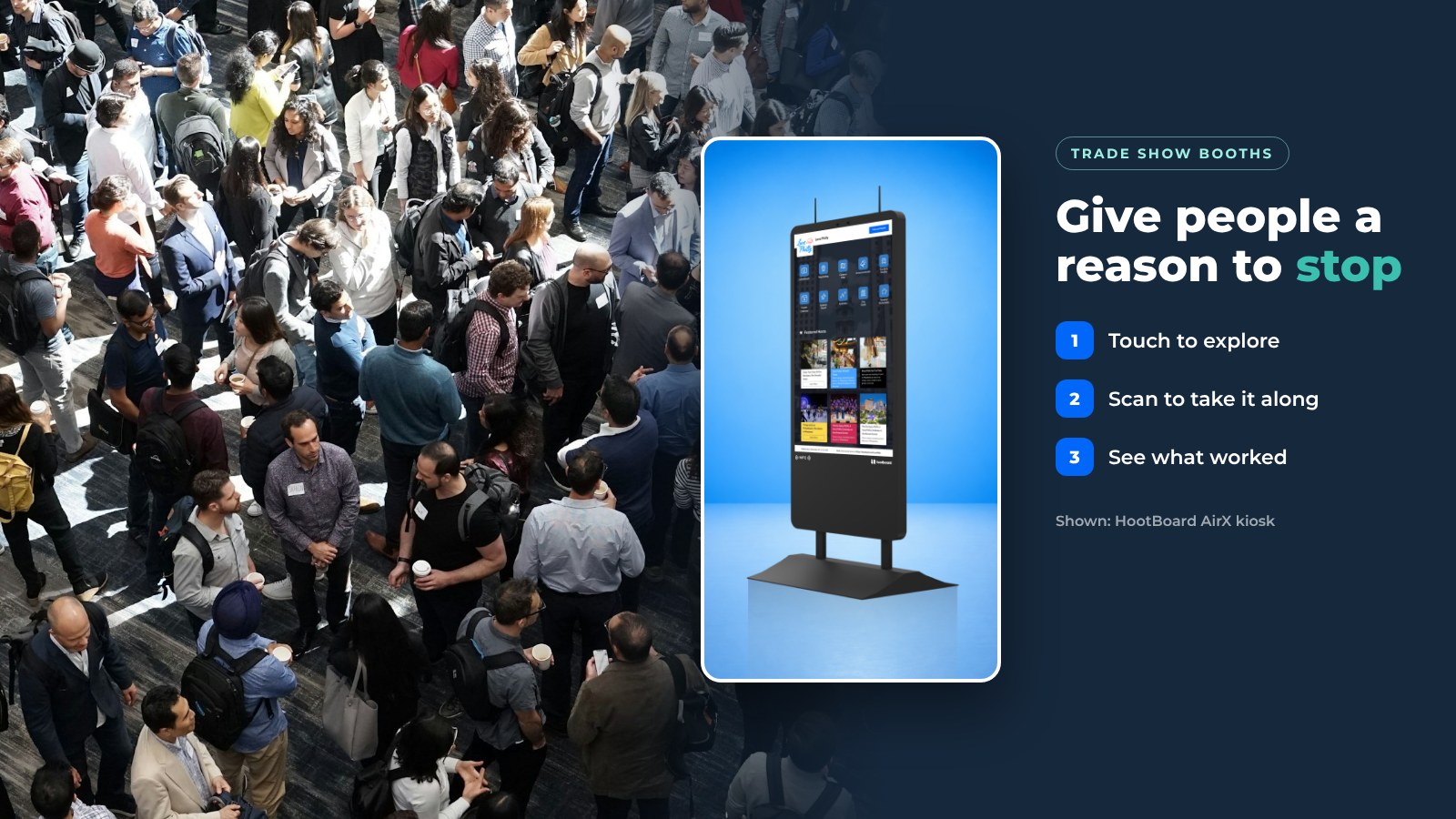
A trade show booth has a few seconds to make someone stop. A trade show touch screen kiosk gives people something to do with their hands, and a way to take your content with them when they walk on.
HootBoard is a kiosk operating system and content platform, plus the touchscreen kiosks that run it. You publish once, and your content shows on the kiosk and on visitors' phones. Here is how to put an interactive touch screen kiosk to work at your next show.
Why a touch screen kiosk works at a trade show
A banner gets read once. A kiosk gets used. That is the difference on a busy show floor.
- It pulls people in. A screen that reacts to touch draws more curiosity than one that only plays a video loop.
- It answers the first questions. Visitors browse products, videos and brochures at their own pace, so your team can spend time on real conversations.
- It looks current. A clean, modern kiosk tells attendees your company is up to date.
- It shows you what worked. Per-screen analytics show what people opened, how long they stayed and how many scanned a QR code.
How a kiosk fits the booth
Think of the kiosk as a self-serve product table. Each visit follows the same simple path.
- A visitor touches the screen and picks what they care about.
- They watch, read or play.
- They scan a QR code, and the same page opens on their phone.
- Your team follows up with the people who signed up.
The QR step matters most. Nobody wants to carry a stack of brochures around the hall, and a page on a phone is still there after the show.

Ideas for your booth screen
You do not need a big production. Start with one or two of these and do them well.
- A product tour. A short walk through your product or company, as a slideshow or video.
- A digital brochure. Your product sheets in one place, each with a QR code to open on a phone.
- A sign-up form. Collect a name and email for your newsletter or mailing list. Forms are one of the ready-to-use apps.
- A game or quiz. Trivia or spin-to-win about your product gives people a reason to stop.
- A contest entry. Let visitors enter a prize draw on the screen and leave their details.
- A photo moment. A selfie or photobooth app gets visitors sharing your booth on their own feeds.
Games and contests work best when the prize is simple and the rules fit on one screen. Keep the entry short, so the line keeps moving.

Planning a booth for an upcoming event? Talk to us about your next show and we will help you pick the right setup.
Set up in four steps
HootBoard can go live in under 30 minutes, with no IT team needed. Here is the short version.
- Pick the screen. Buy a HootBoard kiosk, such as AirX or Glide for indoor use, or bring your own screen. Any Android 7+ screen or tablet works, and so does a standard PC. See the range in the HootBoard store.
- Build your board. Add your videos, product pages and a sign-up form. Use interactive touch screen kiosk software to arrange them on one home screen.
- Check the venue. Ask about power and Wi-Fi at your booth. HootBoard keeps content cached, so a weak show-floor connection will not leave you with a blank screen.
- Place it well. Put the kiosk at the aisle edge of your booth, angled so people can walk up without stepping inside first.

Make it memorable and on brand
A kiosk should feel like part of your booth, not a screen someone rented. A few habits help.
- Use your colors, logo and photography on the home screen.
- Keep each screen short. Two taps should get someone to what they want.
- Show one clear action on the first screen, such as "Take the tour" or "Enter the draw."
- Add a QR code to every page that matters.
- Test the whole flow in the booth before the doors open.
After the show
Look at the analytics: which content got opened, how many QR scans you got and what people searched for. Follow up with the people who signed up while your booth is still fresh in their minds.
Then reuse the same board at the next event and change only the content. Your product tour, forms and games carry over from show to show.
Want a screen for your booth? See the kiosks in the HootBoard store.
FAQ
What can I show on a trade show kiosk?
Product tours, digital brochures, sign-up forms, quizzes, spin-to-win games, contest entries and photo apps. Pick one or two and do them well.
Can visitors take the content with them?
Yes. Every page can have a QR code, and the visitor scans it to open the same page on their phone.
Do I need to buy new hardware?
No. You can buy a HootBoard kiosk or use a screen you already own. Android 7+ screens and tablets work, and so do standard PCs. Browse the HootBoard store for kiosks.
What if the Wi-Fi at the venue is weak?
HootBoard caches your content on the kiosk, so the screen keeps working when the show-floor connection drops.
How do I get started?
Start on the always-free Launch plan, then move to a paid plan if you need more screens, apps or analytics. See the plans page for what each plan includes.
How long does setup take?
Most boards are live in under 30 minutes, and you do not need an IT team.