
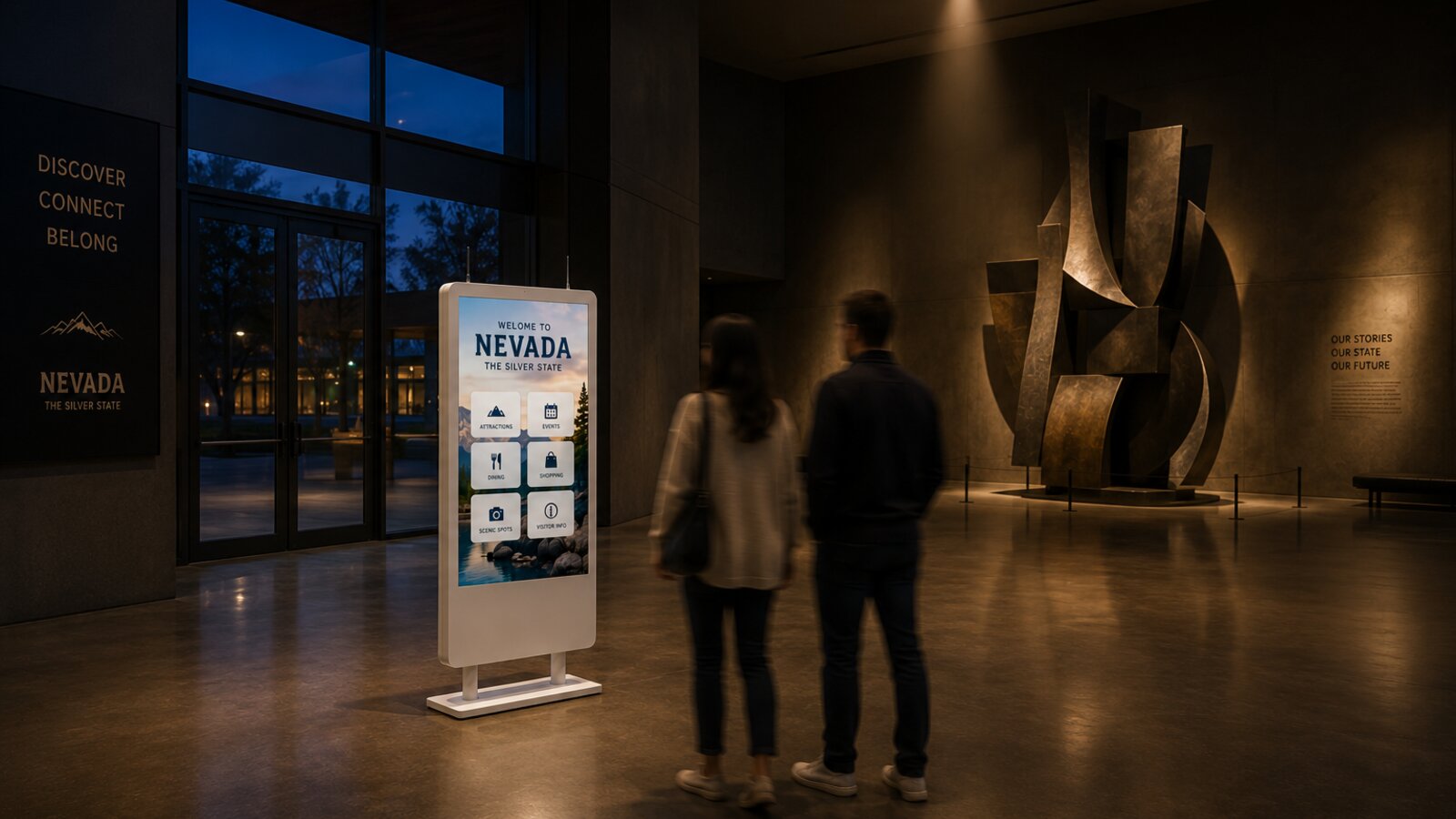
Visitor kiosks age in dog years. The touchscreen that impressed your board in 2019 can feel like an artifact by 2026, not because the glass wore out but because everything behind it stood still. Here are the signs that your visitor information technology is due for a change, drawn from the conversations we have with destinations every week. And at the end, the one part of your setup that probably does not need replacing at all.
1. The content is older than your event calendar
Walk up to your own kiosk and check the events page. If last season is still headlining, the problem is rarely laziness. It is friction: when updating a screen requires a vendor ticket, a specialist, or a USB stick, updates stop happening. Modern platforms let any staff member publish from a browser in minutes, and content that is easy to change actually gets changed.
2. The renewal quote climbs while the product stands still
If each year costs more and looks the same, you are funding a maintenance contract, not a product. Healthy platforms ship visible improvements between renewals. A useful exercise before your next renewal: list what your kiosk does today that it did not do at signing. If the list is empty, that is your answer.
3. Visitors touch it once and walk away
Watch real visitors for ten minutes. Do they explore, or do they poke twice and leave? Interfaces from a few product generations ago were built like brochure racks: static pages, no search, nothing personal. Visitors now arrive with smartphone expectations, and an experience that ignores them simply stops being used.
4. It cannot talk to anything
If your events live in one system, your listings in another, and your kiosk in a third, someone on your team is re-typing everything, which means eventually no one is. A kiosk should pull from the calendars and systems you already maintain, so the screen stays current because your normal work keeps it current.
5. Nobody can answer "is it even working?"
When the board asks what the kiosk accomplished this year, "it seems popular" is not an answer. If your system cannot tell you what visitors searched, tapped, and took with them, you cannot defend the budget line, and you cannot spot the dead screen in the lobby that has been frozen since Tuesday.
6. The vendor is not who you bought from
Acquisitions, sunsets, and quiet support desks happen in this industry. If response times stretched from hours to weeks, or the product roadmap went silent, the risk is no longer hypothetical: you are one hardware failure away from a dark screen and no one to call.
7. The experience ends at the glass
A visitor finds the perfect trail on your kiosk, and then what? If the answer is "they take a photo of the screen," the technology is a generation behind. Modern visitor platforms hand the itinerary to the phone, run the same content on your website and signage, and follow the visitor out the door.
The one thing that probably does not need replacing
Here is the part most vendors will not tell you: your screens are probably fine. Commercial-grade displays are built for seven to ten years of continuous duty, and the panel is the most expensive part of the whole system. What ages is the software, the content, and the connections behind the glass.
That changes the economics of switching completely. Before you budget for new hardware, read our guide to modernizing the kiosks, signage, and video walls you already own. In many cases the upgrade is a software install, not a forklift.
What to do next
Put numbers on the problem first: the free Visitor Center ROI Calculator shows what your current model costs per visitor and what a modern setup could recover. If a replacement is on the table, the DMO Kiosk RFP Kit gives you the evaluation matrix and the 25 questions worth asking any vendor, including us. And if budget is the blocker, the Kiosk Grant Finder tracks 114 programs that fund visitor technology upgrades.
Or just try it, free, on a screen you already own
The Switch Kit is exactly that: 90 days of HootBoard OS on one of your existing kiosks or signage screens, with our team migrating your content for you. Run it beside your current system, let your visitors decide, and keep your exported content either way.