
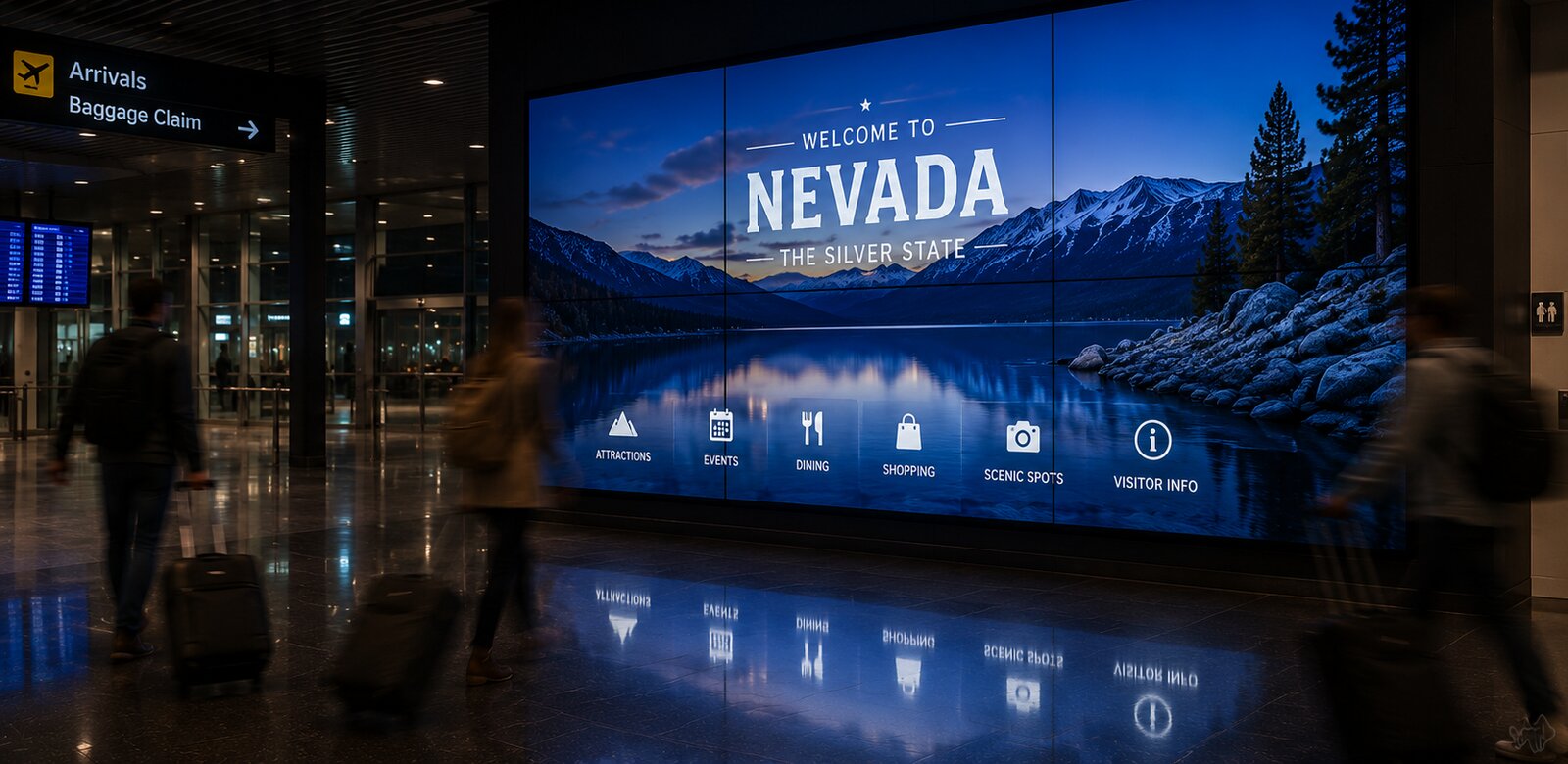
The dirty secret of "replacing your kiosks" is that most of what you would be throwing away still works. Commercial touchscreens are built for the better part of a decade of continuous duty. The panel, the enclosure, the mounting, the electrical run: all of it is usually fine. What ages is the software behind the glass, and software does not require a forklift.
This guide covers how destinations modernize the kiosks, digital signage, and video walls they already own by changing what runs on them instead of what holds them up.
What actually ages, and what does not
Ages fast: the interface, the content model, integrations, analytics, and mobile handoff. This is where visitor expectations move every year.
Ages slowly: commercial display panels, touch overlays, enclosures, mounts, and wiring. Barring physical damage, these outlast two or three software generations.
When a system feels obsolete, it is almost always the first list, not the second. Replacing the second list to fix the first is how destinations end up paying five figures per screen for a problem software could have solved.
What hardware qualifies for a software-only upgrade
HootBoard OS is hardware-agnostic by design: it runs on Android and Windows devices and on screens driven by an attached media player. In practice, that covers most of what destinations already own:
Touch kiosks with an Android system-on-chip or an attached Windows or Android player.
Digital signage and TVs driven by media players, including screens that have only ever shown looping slides.
Video walls running from a PC or player, which can carry the same content system as your kiosks.
The quick test: if your screen can run a modern browser or accept a small media player over HDMI, it can likely run a modern visitor experience. Send us the make and model and we will tell you straight: kiosk software details here.
What migration actually involves
Days one to three: stand up your content in the cloud dashboard: guides, events, maps, and the calendars you already maintain, connected once.
The pilot: convert a single screen first. Run it in parallel with your existing system and watch real visitors use both.
The cutover: roll the remaining screens as fast as someone can install software or swap a media player. No construction, no downtime measured in weeks.
The economics your board will actually like
A software-only modernization moves the entire project from the capital budget to the operating budget. There is no five-figure hardware line to defend, no procurement threshold to clear in many organizations, and no waiting a fiscal year for the capital window. Run your own numbers in the free Visitor Center ROI Calculator to see what your current model costs and what a modern one could recover.
When you genuinely should replace hardware
Honesty matters here: software cannot fix everything. Resistive touchscreens that need a firm press, consumer TVs pressed into 24/7 duty, panels with burn-in or dead pixels, and any outdoor screen without a proper environmental rating are all better replaced. When that is the case, complete options exist without a capital fight: the HootBoard AirX runs $299 per month with the hardware, software, and support included.
Switching safely: the short checklist
Check your current contract for the renewal date and the notice window. Time the pilot so a decision lands before auto-renewal.
Export your content early. If your vendor makes exporting hard, that tells you something too.
Pilot one screen in a real location, not a back office.
Ask any new vendor the hard questions first. Our DMO Kiosk RFP Kit has the 25 that matter, including data ownership and exit terms.
Not sure the current system is actually the problem? Start with the symptoms: 7 signs your visitor kiosk needs replacing. And if the upgrade needs funding, the Kiosk Grant Finder tracks 114 grant programs that pay for visitor technology.
Or just try it, free, on a screen you already own
The Switch Kit is exactly that: 90 days of HootBoard OS on one of your existing kiosks or signage screens, with our team migrating your content for you. Run it beside your current system, let your visitors decide, and keep your exported content either way.