
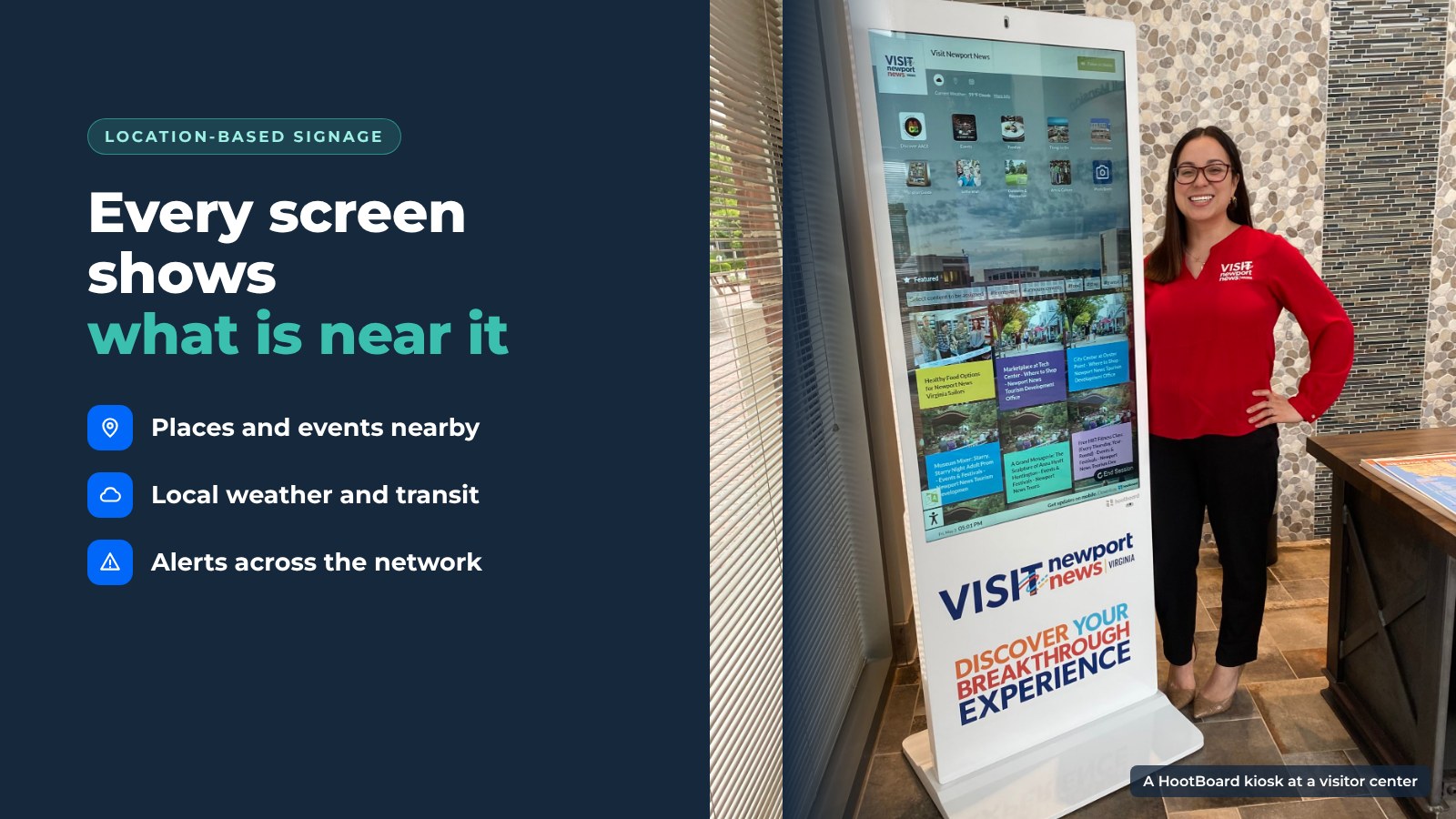
A screen in the welcome center and a screen at the downtown bus stop should not show the same thing. Location-based digital signage fixes that: each screen shows content that fits where it stands, what time it is and what the weather is doing.
The first visitor wants an overview of the region. The second wants the next bus and a place to eat two blocks away. For a destination, a city or a campus running more than one screen, a digital signage platform with location-based content is what turns a row of screens into real help.
Here is how it works and what it does for your area.
Show the right thing at each screen
Every screen in a network has its own audience. Location-based content means each kiosk or signage screen starts from where it is.

- Visitor center. Regional overview, itineraries, the city guide and today's events.
- Downtown street. Places within walking distance, parking, transit and restrooms.
- Trailhead or park. Trail map, conditions, weather and safety information.
- Campus or civic building. Indoor directions, the directory and what is on in the building today.
On HootBoard, each screen runs its own board. You choose which places, neighborhoods and events lead on that screen, and a QR code sends directions to the visitor's phone. The same destination data feeds every screen. Only the starting point changes.
This is how a tourism kiosk network works for a DMO, and how smart city kiosks work for a downtown.
Keep one brand across every screen and every phone
Location-based does not mean scattered. Visitors should see the same destination brand at the airport kiosk, on the downtown screen and on their own phone after they scan a QR code.
One content hub keeps that consistent. Publish a hoot once and it shows on the kiosks, on signage playlists and on the public web link visitors open on their phones. Update the logo, colors or a featured campaign once, and every screen follows.
That replaces printed maps, brochure racks and a dozen separate screens that each needed their own update.
Hear from visitors where they stand
A screen that only talks misses half the value. Interactive kiosks let visitors answer back, and each answer comes from a known place.
- Polls and surveys at the welcome center tell you what visitors came for.
- Emoji feedback forms at a trailhead kiosk tell you whether the information there helps.
- A selfie app at a landmark gives visitors a branded photo to share.
- Analytics show where visitors come from, how long they stay at the screen, what they search for and which apps they open, screen by screen.
A printed sign can't tell you any of that. It also shows visitors that the destination cares what they think.
Content that follows the location
Beyond the starting point on the map, several kinds of content change by place.

- Weather. The local forecast on every screen, with an AI weather predictor on higher plans.
- Transit. GTFS schedules and realtime arrivals for the stops near that kiosk.
- Alerts. National Weather Service alerts and emergency notifications that take over screens across the whole network.
- Events. Today's events, fed from the event calendars the destination already runs.
- Languages. City Guide content in more than one language, useful where international visitors gather.
- Local businesses. Featured partner listings in the City Guide show first in the list.
Featured listings are also the simplest way for a screen network to help cover its own cost. HootBoard also offers AdSpace, an optional screen advertising service run by an independent partner company.
If you are comparing tools, see how to choose the best advertising software for smart city kiosks and the top features to look for in wayfinding digital signage software.
How a platform manages it
Running ten screens with ten different content sets sounds like ten jobs. A digital signage platform built for location-based content makes it one.

- One dashboard for every kiosk and signage screen, with a board and Screen Playlists for each one.
- Shared content, local focus. Reuse the same destination content on every board, then add the posts that only matter at that spot.
- Integrations that keep each screen fresh on their own: calendars over iCal, Instagram, GTFS transit, NWS alerts, RSS and 1000+ more through Zapier.
- Per-screen analytics that show which locations work and which need different content.
- Offline readiness. Outdoor and remote screens keep showing cached content when the connection drops.
- Hardware for each place. AirX, Glide and Glide XT indoors, and the Versi Floor Stand and Versi Wall Mount outdoors, all on the HootBoard store. The HootBoard kiosk software also runs on Android screens and PCs you already own.
A new screen can be live in under 30 minutes, with no IT needed. To see what each plan includes, see HootBoard plans.
Start with two screens
The fastest way to see the value is to put one screen where visitors arrive and one where they end up, and give each its own content. If you want to see how that looks with your destination's data, book a demo.
FAQ
What is location-based digital signage?
It is digital signage whose content depends on where the screen is, what time it is and current conditions. A screen at a transit stop shows arrivals and nearby places. A screen in the welcome center shows the regional guide.
How does location-based digital signage help a city or destination?
Each screen gives visitors what they need at that spot: directions, nearby attractions, events, transit, weather and safety alerts. Per-screen analytics show where visitors come from and what they look for.
Can one platform manage content for many locations?
Yes. On HootBoard, every screen runs from one dashboard. Each screen gets its own board, and apps such as City Guide, Transit and Weather show local content on each one.
Can a screen network pay for itself?
Featured listings for local businesses are the usual way. HootBoard also offers AdSpace, an optional screen advertising service through an independent partner.