
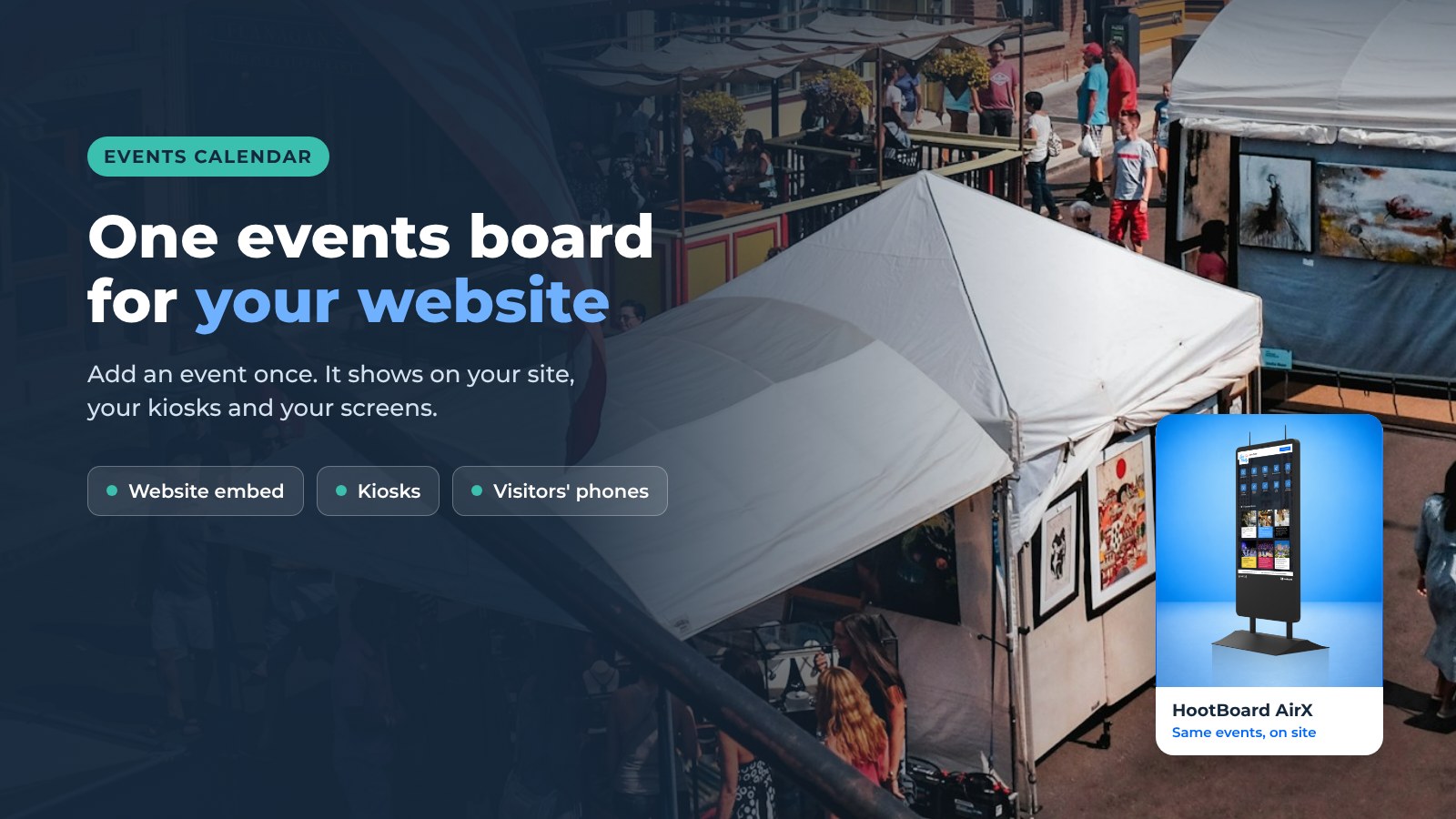
Need a free calendar for your website? An events calendar should look good, update itself, and be easy for visitors to use. Most embeddable calendars do only one of the three.
HootBoard gives you an events board you can embed on any website. Add an event once and it shows in the embed, on your touchscreen kiosks and on your signage screens, and visitors can send it to their phone. Below are three layouts, who uses them, and the four steps to get one live.

Template 1: Calendar view
The month grid everyone knows. Visitors scan the month, tap a day and see what is on.
Best for: a destination or city site with many events a week, where "what's on Saturday?" is the main question.
Template 2: Bulletin board view
Events as a wall of cards with photos, dates and short descriptions. More visual, less grid.
Best for: a campus, downtown district or venue with a handful of featured events that deserve a photo.
Template 3: Curated collection view (read-only)
A staff-picked set of events from the collections you choose. Visitors can browse and open each event, but the list shows only what your team put in it.
Best for: an official "top events this month" list where your organization controls what appears.
Want to try all three? Create your calendar board and try each layout.
What the calendar does
- Interactive. Visitors tap an event for details, directions and a link to the organizer's page.
- Easy to browse. Pick the layout that fits your audience: calendar, bulletin board or curated collection.
- Fits your site. The embed is responsive and takes the width of the space you put it in.
- Not only on the website. The same board plays on HootBoard kiosks and idle-screen signage, and visitors can scan a QR code to take an event with them.
- Fed by what you already use. Pull events from iCal, Google, Outlook or Apple calendars, Eventbrite, Localist, Simpleview, Tempest, or The Events Calendar and Modern Events Calendar on WordPress.
Who uses it
- Tourism boards and visitor centers. The website calendar, the visitor center kiosk and the lobby screens all show the same events feed from Simpleview or the local events calendar.
- Cities and downtown districts. Farmers markets, concerts and council meetings on the city site and on street kiosks.
- Campuses. Student events from Localist or the campus iCal on the site and on campus kiosks in the student union.
- Venues and conference organizers. A conference agenda or season schedule embedded on the event page and shown on a kiosk at the door.
How to get started
Step 1. Create your board
Create a board on the Launch plan. Give it a name, a short description and a cover image. You can change all of it later.
Step 2. Add your events
Each event is a hoot, our name for a post on a board. Give it a title, date and time, a photo, a short description and a link to the organizer's page. Or connect a calendar feed and let events flow in on their own.
Step 3. Open the Embed option
In the board menu, choose Embed. Then pick the layout that fits your site: calendar, bulletin board or curated collection.
Step 4. Copy the code and paste it on your site
Copy the embed code and paste it into any page on WordPress, Squarespace, Wix, Webflow or plain HTML. The calendar appears where you pasted it and updates whenever you add an event.

FAQ
Is the events calendar free to use on my website?
Yes. The embeddable calendar is part of the always-free Launch plan. Paid plans add more screens, apps and analytics. See plans.
Does it work with my existing calendar?
Yes. Connect an iCal feed, Google, Outlook or Apple calendar, Eventbrite, Localist, Simpleview, Tempest or a WordPress events plugin, and events appear on the board automatically.
Can the same events show on a kiosk or a TV screen?
Yes. A board is one source. The embed, the kiosk and the signage playlist all read from it.
Which website platforms does the embed work on?
Any platform that lets you paste an HTML snippet, including WordPress, Squarespace, Wix and Webflow.
Ready to put a calendar on your site? Start your board. If you want to see it running on a kiosk too, book a demo.