
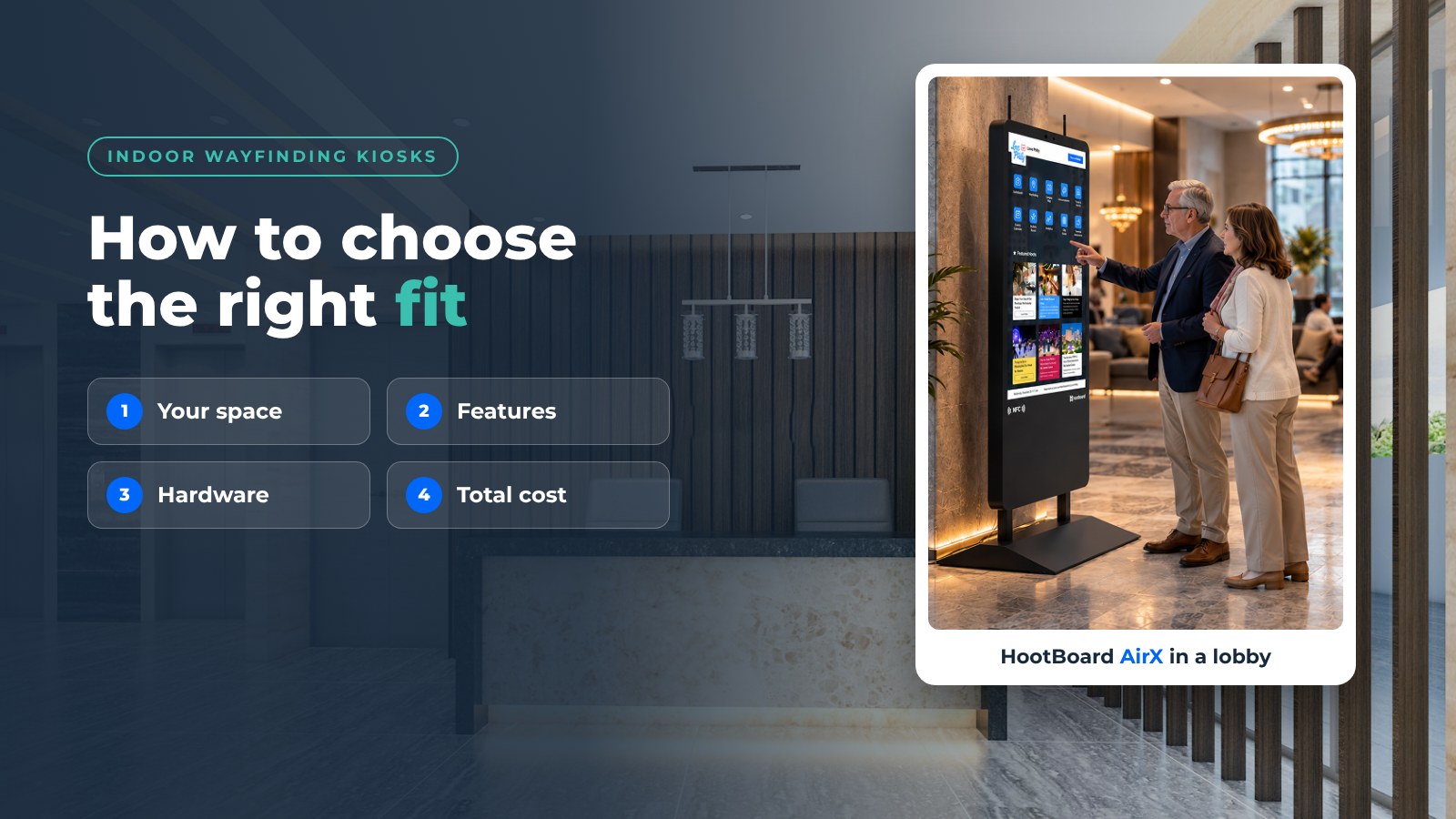
Choosing the perfect indoor wayfinding kiosk can transform your space, making it more user-friendly and efficient. The right kiosk guides visitors effortlessly, enhances their experience, and reduces staff workload. In this blog, we’ll break down the essentials of selecting an indoor wayfinding kiosk that’s just right for you.
Understanding Your Space
Before diving into features, it’s essential to evaluate your space and understand the needs of your users. Consider these factors:
- Size and Layout: Assess the complexity of your facility to determine the number of kiosks needed and their optimal placement. Large, complex spaces like campuses, visitor centers, courthouses, transit hubs or hospitals may require multiple kiosks strategically placed at key locations.
- User Demographics: Identify the preferences of your target audience, considering age, language proficiency, and familiarity with technology. For instance, younger users might prefer touchscreen interfaces, while older users might benefit from additional physical navigation aids.
- Specific Requirements: Account for any unique needs, such as accessibility for individuals with disabilities or providing real-time updates on events or promotions. This includes ensuring the kiosks are at a suitable height for wheelchair users and offering features like audio navigation for the visually impaired.

Features and Functionality
When selecting an indoor wayfinding kiosk, prioritize the following features:
- Touchscreen Capabilities: Ensure a responsive and intuitive touchscreen interface for easy user interaction. Capacitive touchscreens are often preferred for their accuracy and ease of use.
- Interactive Maps: High-quality, interactive maps that allow users to zoom, pan, and rotate to find their destination. Maps should be easy to understand and provide clear directions.
- Multi-Floor Routing: Routes that cross floors and show which elevator or stairs to take.
- Directions to Go: A QR code that sends the route to the visitor’s phone, so they don’t have to memorize turns.
- Multi-Language Support: Cater to a diverse audience by offering multiple language options. This can significantly improve the user experience for international visitors or multilingual communities.
- Accessibility Features: ADA-compliant features such as audio assistance, high-contrast displays, and wheelchair accessibility. Including these features ensures inclusivity and compliance with regulations.
- Customization Options: Choose a kiosk that can be tailored to match your branding and aesthetic preferences. Custom skins, logos, and color schemes can help integrate the kiosk seamlessly into your environment.
- Compatibility: Ensure seamless integration with your existing systems like directories, databases, and event management systems. Compatibility reduces technical issues and enhances user experience by providing consistent and updated information.
HootBoard’s Indoor Navigation app covers this list. It shows floor-by-floor maps, draws routes across floors, offers accessible routes and evacuation routes, imports the CAD or IMDF floor plans you already have, and sends directions to the visitor’s phone by QR code. It runs on the same kiosk as your events, directory and city guide, so one screen answers both “where is it?” and “what’s on?”. See it in a demo.

Additional Features to Consider
- Real-Time Data Integration: Ability to display real-time information such as event schedules, transportation updates, or emergency alerts. This feature can be particularly valuable in dynamic environments like transit hubs or large event venues.
- Analytics and Reporting: Collect data on kiosk usage to understand user behavior and optimize the system. Look for top searches, which show what people look for most, and QR scan counts.
- Remote Management: Ability to update content and software remotely. This feature simplifies maintenance and ensures that all kiosks display up-to-date information without the need for on-site updates.
- Ease of Use for Staff: A non-technical team member should be able to add a room, move a department or post a closure from a browser in minutes.
- Support and Scale: Someone to call when a screen is down, and a system that grows from one kiosk to many without starting over. HootBoard includes 24/7 software and hardware support.
Cost
Evaluate the following cost factors to determine the best value for your investment:
- Hardware Costs: The price of the kiosk, which varies based on size, features, and materials. Higher-end materials and larger screens typically increase costs.
- Software Fees: Licensing fees for the wayfinding software, including updates and upgrades. Most vendors charge per screen. Ask what the entry plan includes; HootBoard’s always-free Launch plan lets you set up a board before you commit to a paid plan.
- Maintenance and Support: Ongoing costs for maintaining the hardware, software, and content, as well as technical support. Consider service agreements that cover regular maintenance and emergency repairs.
- ROI: Assess the potential return on investment (ROI) by considering increased visitor satisfaction, reduced staff workload, and improved operational efficiency. Calculate the potential savings from decreased staff inquiries and the enhanced visitor experience that can lead to increased foot traffic and sales.

Choosing the Kiosk Hardware
The software decides what visitors can do. The hardware decides whether it holds up in your lobby.
- Indoor floor-standing or wall-mounted: HootBoard’s AirX, Glide and Glide XT are indoor touchscreen kiosks. Glide XT is the heavy-duty one for busy hubs like transit stations and student unions.
- Outdoor or entrance areas: Versi comes as a floor stand or wall mount and is sealed and bright enough for outdoor use.
- Screens you already own: Install the HootBoard app on an Android touchscreen, or install HootBoard Kiosk OS on a PC from a USB stick, and start with hardware you have.
Every HootBoard kiosk ships with HootBoard Kiosk OS pre-loaded. See current models on the HootBoard store.

Assessing ROI: The Long-Term Value of Indoor Wayfinding Kiosks
Investing in indoor wayfinding kiosks can significantly improve user experience, reduce staff workload, and enhance overall efficiency. A well-designed wayfinding system allows visitors to navigate your space with ease, leading to increased satisfaction and a positive first impression. Moreover, these kiosks handle routine inquiries and directions, enabling your staff to focus on critical tasks. Ultimately, this results in a more efficient operation and smoother visitor flow. Evaluating the potential long-term benefits and value of these systems ensures that your investment is both strategic and financially sound.
Conclusion
Indoor wayfinding kiosks are a valuable addition to any modern space, offering numerous benefits. By understanding your specific needs, considering essential features and functionality, and evaluating the overall cost, you can find the perfect kiosk for your facility. With the right wayfinding kiosk in place, you can enhance the visitor experience, streamline navigation, and create a lasting positive impression.
Want to see indoor navigation, QR directions and analytics on a real kiosk? Book a demo and we’ll walk you through it.
FAQ
What is an indoor wayfinding kiosk?
A touchscreen inside a building that shows an interactive map, lets visitors search for a destination and draws the route, often with a QR code that sends the directions to their phone.
How many wayfinding kiosks does a building need?
One at each main entrance is the usual starting point. Large buildings such as campuses, courthouses and transit hubs add one per floor or at each major decision point.
Do wayfinding kiosks need beacons or sensors?
No. A kiosk knows where it is installed, so it gives directions from that spot without indoor positioning hardware. Visitors continue on their phone by scanning a QR code.
Can a wayfinding kiosk use my existing floor plans?
Yes, if the software imports them. HootBoard’s Indoor Navigation app imports CAD and IMDF floor plans.