
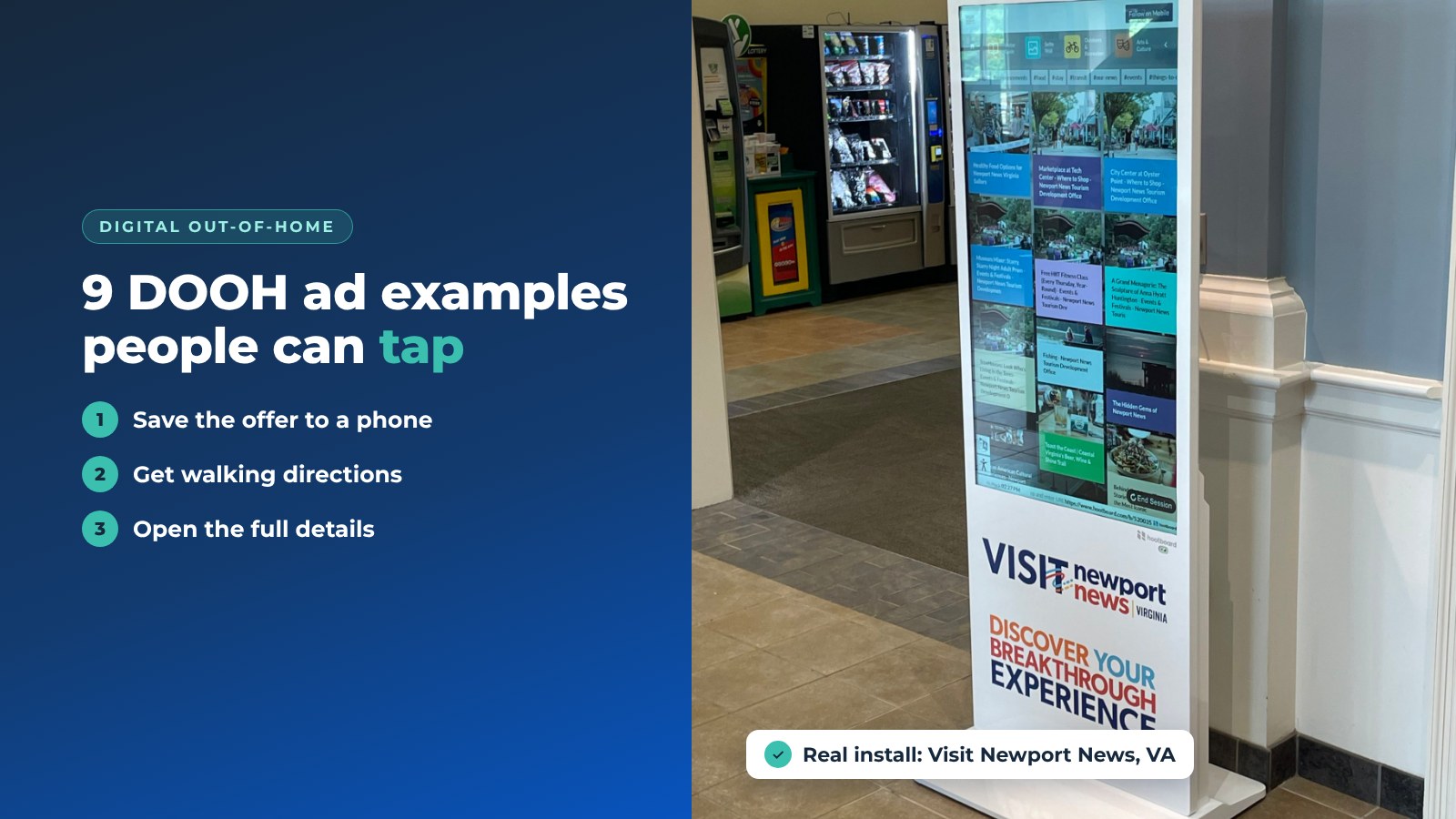
Digital out-of-home advertising (DOOH) is any ad on a digital screen in a public place: a billboard over the highway, a screen in a mall, a kiosk in a visitor center. The best digital out-of-home advertising examples share one trait. The viewer can do something with them: save the event, grab the discount, get directions.
Below are nine DOOH examples we have seen work on kiosks and signage, what each one does well, a table of ideas by venue, and a short section on how a screen network can pay for itself. We build HootBoard, a kiosk and signage platform used by tourism boards, cities and campuses, so the examples lean toward interactive screens.
What DOOH is, and why kiosks are good at it
Traditional out-of-home is a printed billboard. DOOH swaps the print for a screen, so the ad can change by the hour, by location and by who is standing there. A touchscreen kiosk adds one more thing: a response.
For the advertiser
- Engagement. A kiosk ad can be tapped and taken along, not just seen.
- Context. The ad sits where the decision happens: outside the restaurant, inside the visitor center.
- Real-time updates. Change the offer at 3:00 PM for the dinner crowd.
- No ad blockers. A screen in a lobby can't be skipped by a browser plug-in.
For the viewer
- Useful, not just loud. Local offers and events are information, not interruption.
- Take it with you. A QR scan moves the ad to the phone.
- Easy to use. Big touch targets, one or two taps.
1. Event promotion
A full-screen event card does the work here: a hero photo, the date, the name, the time and the venue. Under it sit the actions.

- Save the event to your phone with a QR scan.
- Share it with a friend from the phone.
- Open the detail page for the lineup and the organizer's ticket link.
Why it works: the ad and the action are on the same screen. On HootBoard the card comes from the Events app, so promoting an event is the same as publishing it. Nobody has to design a separate ad.
2. Restaurant promotion
Food photos that look good from six feet away, plus one clear offer.
- Send the discount to your phone by QR.
- Collect sign-ups with a short form behind the same scan.
- Link to the reservation page so the diner books on their own phone.
Why it works: the restaurant learns how many people scanned. A printed flyer never told it that.
3. Tourist attraction
A visitor center kiosk features a nearby attraction, like an aquarium or a history museum. On an interactive tourism kiosk, that listing can carry a lot.

- An interactive map with the attraction pinned.
- A detail page with hours, highlights and photos.
- A QR link to tickets on the attraction's own site.
Why it works: the ad doubles as the visitor's plan for the afternoon. On HootBoard this is a featured listing in City Guide, and featured listings show first in the list. The same place can also go into a ready-made itinerary.
4. Product advertising
A watch retailer runs an ad on a wall screen: one product, three short feature lines and one offer.
- One product per screen. Clutter kills readability at a distance.
- An instant offer behind a QR code.
Why it works: a passerby decides in two seconds. The layout respects that.
5. Bakery with a map
A bakery two blocks from the kiosk shows fresh bread. Under the photo is a walking route from where you stand to the bakery's door.

- A map on the ad. The kiosk has a fixed spot, so the route starts where the viewer is.
- Clear type and warm photos.
Why it works: it removes the one thing standing between the viewer and the purchase, which is finding the place.
6. A county ale trail
A county visitor center promoted its ale trail on the lobby kiosk.
- A trail map with every brewery pinned.
- A QR link to the trail pass on the trail's own site.
Why it works: a trail is a string of small decisions. A map on a big screen shows the whole string at once.
7. A beach city's visitor board
A coastal city uses its kiosk home screen as a concierge list: must-see spots, today's events and where to park.

- A curated list from the tourism office, grouped by neighborhood.
- Directions to each spot by QR.
Why it works: the "ad" is the city itself. Featured partners sit inside honest local picks, which is where visitors expect to find them.
8. Family-style brunch
A single-event card for a restaurant's Sunday brunch: the time, the place and one photo.
- Time and location first.
- Nothing else on the card.
Why it works: a brunch ad has one job, and this one doesn't try to do two.
9. Mall sale near the jewelry wing
A wall-mounted screen in a mall concourse sits where shoppers leaving a jewelry store walk past.

- Placement does the targeting. The screen is where the intent is.
- Tap for details turns a glance into a visit.
Why it works: with DOOH you can see your audience. Put the screen where that audience already is.
Quick DOOH ideas by venue
Use this table as a starting list. Pick the two or three rows that match your venue and test them for a month.
Venue | Goal | Idea |
|---|---|---|
Tourist attractions | Sell more tickets | Entrance kiosk with a QR to the ticket page |
Tourist attractions | Deeper visits | Exhibit highlights and a map near each gallery |
Tourist attractions | Gift shop sales | Top items and a seasonal offer on the exit screen |
Universities | More students at events | Club meetings, games and talks on campus screens |
Universities | Easier navigation | Campus maps on kiosks in the union and library |
Universities | Safety | Priority alerts on every screen, including weather warnings |
Cities | Support local business | Featured listings for shops near each kiosk |
Cities | Seasonal campaigns | Holiday markets, festivals and parking changes on the idle screen |
Hotels | Fill on-site amenities | Spa, gym and happy-hour cards in the lobby |
Hotels | Hotel-hosted events | Conference and event cards with a QR to RSVP |
Hotels | Better stays | Local attractions with maps and directions |
Restaurants | Sell the special | Daily specials with photos near the entrance |
Restaurants | Repeat visits | Loyalty sign-up by QR |
Restaurants | Better service | A short emoji-rating feedback form |
Any venue | Engagement | Trivia, polls and spin-to-win with a small prize |
Make your screens pay for themselves
A kiosk network costs money to run. Here are two ways destinations and cities cover it.
- Sponsored listings. Feature a partner business in City Guide, where featured listings show first, and add its promo to the idle-screen playlist. The sponsor gets the placement, and the visitor still gets an honest local guide.
- AdSpace (optional). Customers who want to sell ad slots on their screens can do so through AdSpace, an independent partner company that HootBoard co-markets. It's a separate service, not part of your HootBoard plan.
Analytics show sessions, time on screen, QR scans and what visitors open. That means you can tell a sponsor what their placement did.

Every plan starts with the always-free Launch plan, and paid plans add more screens, apps and analytics. See HootBoard plans to find the right fit.
FAQ
What is digital out-of-home advertising?
It's advertising on digital screens in public places: billboards, mall screens, transit displays and interactive kiosks. Unlike print, the content can change by time, place and audience.
What makes kiosk DOOH different from a digital billboard?
A kiosk is a touchscreen. The viewer can tap for details, save an offer to their phone by QR or get directions. The owner can measure each of those actions.
Can a visitor buy tickets on the kiosk?
On HootBoard, the ad links to the seller's ticket page and the visitor finishes on their phone. The kiosk doesn't take payment.
How does a city or DMO earn money from its kiosks?
Through sponsored listings for local partners and, if they choose, ad slots sold through the AdSpace partner. Analytics on scans and opens back up each sponsorship.
Want to see how a sponsored listing looks next to real visitor content? Book a demo and we'll walk you through it.