
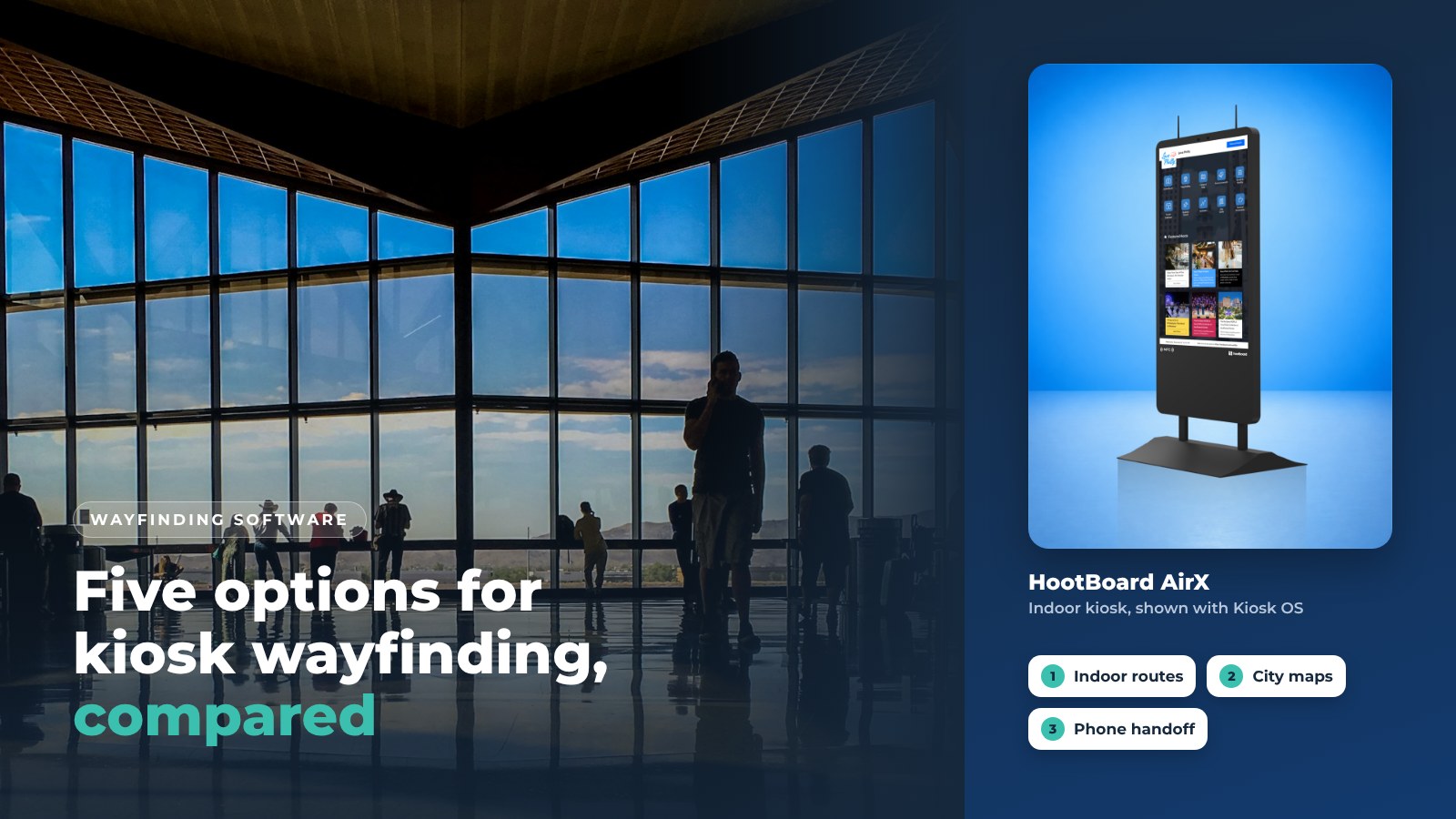
Picking wayfinding software is harder than picking the kiosk. The screen is the easy part. The map, the routes and what happens when a visitor walks away from the screen are what decide whether people actually find their way.
This guide compares five of the best digital wayfinding systems for touchscreen kiosks. We lead with HootBoard because it is ours, and we say exactly what it does. The other four are real vendors that destinations, campuses and cities often shortlist next to us. We describe them plainly and do not rank them against each other.
At the end there is a seven-point checklist you can use on any vendor, including us.
1. HootBoard
HootBoard is a kiosk operating system and content platform. Wayfinding is one of the apps in its library, next to City Guide, Events, Directory and Selfie. That matters because the kiosk is not only a map. It is a visitor hub that also gives directions.

What the Indoor Navigation app does
- Floor-by-floor routes. Directions across multi-floor buildings, one floor at a time.
- Accessible routes. Visitors can ask for an ADA-friendly path.
- Evacuation routes. The map can show the way to exits when you need it.
- Map import. Bring in CAD or IMDF floor plans instead of drawing from scratch.
- Take it with you. A QR code sends the route to the visitor's phone as a web page. No app to install.
Outdoor and district wayfinding
For downtowns, trails and districts, the City Guide app does the work. It shows points of interest on a map and in a list, with detail pages, featured partner businesses, QR directions and multiple languages. Destinations can see how this fits a visitor center on our tourism kiosk page.
Why buyers pick it
- No technical skill required. Staff manage content from a web dashboard, without IT.
- One hub for kiosks, signage and phones. Publish once, and it shows on the kiosk, on idle-screen playlists and on the visitor's phone.
- Know your visitor. Analytics show top searches, dwell time, QR scans and which apps people open on each screen.
- Built for the real world. Indoor and outdoor kiosks, offline readiness and 24/7 support. You can also bring your own screen.
You can read more about the platform on our kiosk software page, or see HootBoard kiosks with wayfinding pre-loaded.
2. RedyRef
RedyRef is a US kiosk manufacturer that pairs its own enclosures with wayfinding and directory software. Healthcare systems, transit agencies and corporate campuses often shortlist it when they want hardware and software from one builder. If you want custom-fabricated enclosures, RedyRef belongs on your list.
3. 22Miles
22Miles is a wayfinding and digital signage specialist. It is known for 3D-style maps and large venues such as convention centers, airports and hospital networks. It is a software-first company, so you will usually source kiosk hardware separately or through a partner.
4. FriendlyWay
FriendlyWay offers kiosk hardware and software for malls, airports and large public venues. It blends digital signage with wayfinding, which makes it a fit when advertising and navigation share the same screens.
5. Visix
Visix is a digital signage company with wayfinding and room-scheduling modules. It is common in higher education and corporate workplaces that already run Visix signage and want to add interactive directories without changing platforms.
Side by side
Here is how the five compare on hardware and on what the screen can do beyond directions. Features change by package, so check each one with the vendor. This table is a starting point, not a scorecard.
Vendor | Hardware | Beyond wayfinding |
|---|---|---|
HootBoard | Own kiosks or your own screen | City Guide, events, alerts |
RedyRef | Own kiosk enclosures | Directories |
22Miles | Usually partner hardware | Digital signage |
FriendlyWay | Own kiosk hardware | Signage and ads |
Visix | Usually partner screens | Signage, room booking |
Hardware matters more than most buyers expect. A lobby kiosk, a busy transit hub and a sidewalk on Main Street need different units. Ask each vendor which models they support for each spot.

What to look for in wayfinding software for kiosks
Use these seven points on any vendor, including HootBoard. Ask for a live demo on a real floor plan, not a slide deck.
- A simple interface. Visitors should find a destination in two or three taps. Staff should be able to edit the map without a ticket to IT.
- Interactive maps that stay current. Search, filters, points of interest, and a quick way to update a route when a hallway closes.
- Multi-platform reach. The same map on the kiosk, on signage screens and on the visitor's phone. Check how the phone handoff works and whether it needs an app.
- Integrations. Events, transit, room schedules and alerts should feed the screen. Ask what connects out of the box and what needs custom work.
- Customization. Your colors, your logo, your floor names, and different content for a visitor center, a library or a transit hub.
- Analytics. Which destinations people search for most, how long they stay, and how many routes go to a phone.
- Reliability and support. What happens when the network drops, how updates install, how sturdy the hardware is, and who answers the phone at 2:00 AM.

The phone handoff deserves extra attention. Most visitors only spend a minute at the screen. If the route goes with them, the kiosk keeps helping after they walk away.
Who uses wayfinding kiosks
Wayfinding kiosks work anywhere people arrive somewhere new and need to find the next place fast. These are the most common settings.

- Tourism and visitor centers. Guide visitors from the welcome center to trails, museums and downtown businesses, and send the route to their phone.
- Campuses. Help new students, parents and event guests find buildings, dining and parking. See how this works on our campus kiosk page.
- Cities and districts. Downtown kiosks that combine a city guide, transit and services with directions. More on our smart city kiosk page.
- Transit hubs and airports. Gates, platforms, exits and connections.
- Healthcare. Departments, clinics and parking across multi-building hospital campuses.
- Workplaces. Lobbies and large office complexes where a visitor needs a room, not a department.
Frequently asked questions
What is the best digital wayfinding system for a kiosk?
The best system is the one your staff can keep accurate. Look for a map editor that needs no code, QR handoff to the visitor's phone, useful analytics, and hardware rated for where it will stand. HootBoard covers all four and adds a city guide, events and alerts on the same screen.
Do visitors need an app to get directions on their phone?
Not with HootBoard. The visitor scans a QR code on the kiosk and the route opens as a web page. Some other systems need a downloaded app, so ask each vendor.
Can wayfinding software work outdoors?
Yes, if the hardware is rated for it. HootBoard runs on Versi outdoor kiosks, which are sealed against weather and bright enough for direct sun. The City Guide app covers district and trail wayfinding.
How do I get started with HootBoard?
You can create your board on the always-free Launch plan and add the Indoor Navigation app when you are ready. Our pricing page shows which plan includes which apps.
Ready to see wayfinding on a real kiosk? Book a demo and bring your floor plan.