
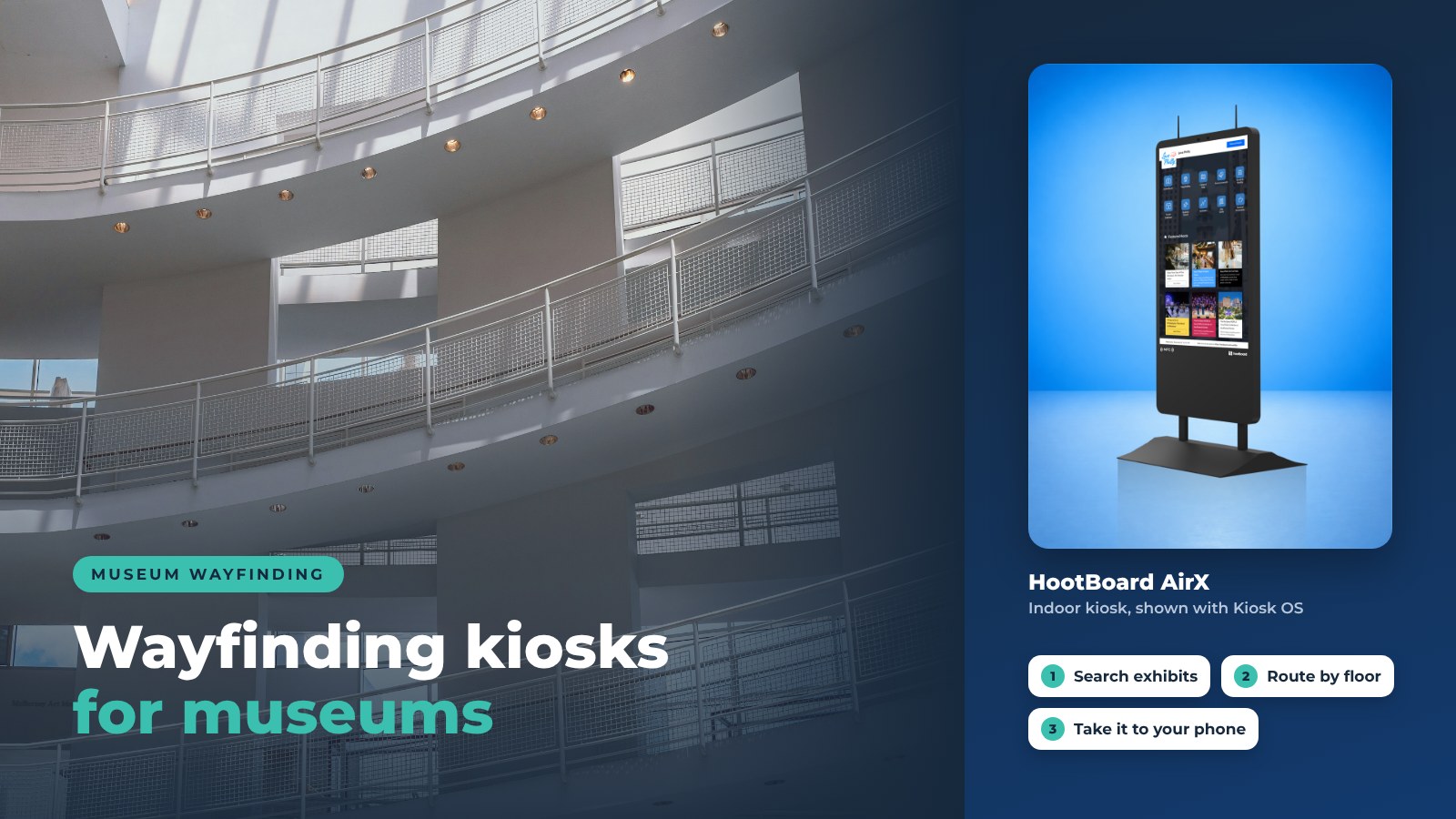
Museums are built for curiosity and discovery. Yet many visitors spend a surprising part of their visit confused, turned around, or unsure where to go next. Multiple floors, rotating exhibitions, temporary galleries and unfamiliar layouts make navigation one of the biggest friction points in a museum visit, and it is the problem interactive wayfinding kiosks are built to solve.
A touchscreen at the entrance, by the elevators and where two wings meet lets visitors see where they are, what is on, and how to get there. The same kiosk can send the route to their phone with a QR code.
This guide covers how wayfinding kiosks work in museums, the problems they solve, and how a museum can launch one with HootBoard without new infrastructure or an IT project.
What Is an Interactive Wayfinding Kiosk in a Museum?
An interactive wayfinding kiosk is a touchscreen display placed at key decision points inside a museum. It helps visitors understand where they are, what exhibitions are open, and how to reach them.
Unlike a printed map or a static directory, a wayfinding kiosk lets visitors:
- Search for an exhibition, gallery, restroom, cafe or exit
- See the route floor by floor, not just a "you are here" dot
- Follow step-by-step directions, including accessible routes
- Discover nearby exhibits they did not plan to see
- Take the route with them by scanning a QR code
On HootBoard, the wayfinding kiosk is also the museum's information hub. The same screen shows today's events, the cafe menu, membership information and a guide to the area outside the doors. See how HootBoard kiosk software works.

Why Museums Need Interactive Wayfinding Kiosks
Museums face navigation problems that printed signage does not solve well.
Complex Layouts and Large Spaces
Museums often span several floors, wings and halls. Visitors feel overwhelmed quickly, especially in large national museums and cultural centers. A kiosk gives them a searchable, visual map that adapts to what they are looking for.
Rotating Exhibitions and Temporary Galleries
Printed maps go out of date every time an exhibition changes. With a digital wayfinding kiosk, staff update the listing and the route from a dashboard. The change is live on every screen in minutes, with nothing to reprint.
Fewer Interruptions for Staff
Front desk and gallery staff answer the same directional questions all day. Kiosks take that load, so staff can spend their time on education and visitor conversations.
How Interactive Wayfinding Kiosks Improve Museum Visitor Engagement
Wayfinding is not only about directions. It shapes how visitors experience the museum.
Encouraging Exploration
A kiosk can surface exhibitions a visitor did not plan to see. "Nearby" suggestions and featured galleries increase dwell time and spread crowds across the building.
Inclusive and Accessible Navigation
A good wayfinding kiosk supports:
- Accessible (ADA) routes that avoid stairs
- Clear icons, large text and high contrast
- Placement at a height and position that works for wheelchair users and children
- Multiple languages for international visitors
Lower Visitor Anxiety
Knowing where to go next reduces frustration. Visitors who are not worried about getting lost focus on the art, the science or the story.
Wayfinding Kiosks vs Traditional Museum Signage
Here is how the two compare:
- Updates: Printed signs are reprinted on every change. A kiosk is updated from a dashboard in minutes.
- Languages: A sign has one language, or a crowded multilingual panel. On a kiosk, the visitor picks their language.
- Directions: A sign shows one map for everyone. A kiosk draws the route from where the visitor stands to where they want to go.
- Insight: A sign can't tell you what visitors looked for. A kiosk shows top searches, QR scans and dwell time.
- Take-away: A sign stays on the wall. A kiosk sends the route to the visitor's phone with a QR code.
With HootBoard, museum teams control every kiosk from one place and can adjust content based on what visitors actually search for.
Using HootBoard for Interactive Wayfinding in Museums
HootBoard is a kiosk operating system and content platform. It runs on HootBoard kiosks, on any Android screen, and on any PC you boot it from. Museums do not need custom software or a developer.
The Indoor Navigation app is the wayfinding piece. Museums use it to:
- Import existing floor plans (CAD or IMDF files) and mark exhibits, restrooms, cafes, elevators and exits
- Route floor by floor, across multiple floors, with ADA-friendly routes
- Show evacuation routes when it matters
- Guide visitors to amenities, not only to galleries
- Hand off the route to a phone with a QR code

Around the wayfinding app, the same kiosk runs the museum's Events feed, a Directory, a Selfie app for the lobby, and the City Guide app for restaurants, hotels and attractions near the museum, with multi-language support and QR directions.
City Guide listings you mark as featured show first in the list, which is a simple way to promote museum partners. Everything is published once and shows on the kiosk, on digital signage screens when the kiosk is idle, and on visitors' phones.
Indoor Navigation starts on the Connect plan. See which plan includes Indoor Navigation on the pricing page.
Interactive Wayfinding Kiosks for Different Types of Museums
Each type of museum uses the same kiosk a little differently.
Art Museums
- Guide visitors along a curated path through the collection
- Feature a work or a gallery of the month on the home screen
Science and Discovery Centers
- Direct families to age-appropriate exhibits
- List show times and workshop sign-ups next to the map
History and Cultural Museums
- Tie navigation to themes or eras in a large, multi-wing building
- Point visitors to related sites in the city with the City Guide app
Many museums sit near a visitor center or a downtown tourism kiosk run by the local visitor bureau. Pointing visitors from one to the other keeps them exploring the city after they leave the museum. The same approach also works in visitor centers, campus buildings and city halls.
Start Small, Then Expand
Many museums want to pilot before they commit. HootBoard supports that:
- Start on the always-free Launch plan with a Bulletin Board, Directory and Selfie app on one screen
- Add Indoor Navigation and City Guide on the Connect plan when the pilot works
- Grow to more screens, more apps and deeper analytics over time
A museum can bring its own Android screen or PC, or buy a HootBoard kiosk with Kiosk OS pre-loaded. Create your board and start building content before the hardware arrives.
How Museums Can Get Started with Interactive Wayfinding Kiosks
Most museums follow the same five steps, from choosing where the kiosks go to improving them once they are live.

- Pick the decision points. Entrances, elevator lobbies, stair landings and the spot where two wings meet.
- Choose the screens. A floor-standing touchscreen kiosk for the lobby; wall-mounted screens where space is tight.
- Import the floor plan. Upload your CAD or IMDF file and mark the points of interest.
- Publish and go live. Publish your board to every screen. No IT is needed.
- Refine with analytics. Watch top searches, then rename or add the places visitors are looking for.
You can make updates at any time, even in the middle of an exhibition run.
When navigation, events and live updates sit on one kiosk, visitors spend less time lost and more time in the galleries. Book a demo to see Indoor Navigation on a real floor plan.
Frequently Asked Questions
What is an interactive wayfinding kiosk in a museum?
A touchscreen display, placed at key points in the building, that helps visitors search for exhibits and amenities and shows them the route from where they stand.
Do wayfinding kiosks replace museum staff?
No. They take the repeated directional questions, so staff can spend their time on education and visitor conversations.
Are wayfinding kiosks suitable for small museums?
Yes. A single kiosk at the entrance answers most navigation questions in a small museum. You can set up your board on the free Launch plan with a screen you already own, then add Indoor Navigation when you are ready.
Can a wayfinding kiosk handle more than one floor?
Yes. HootBoard's Indoor Navigation app routes floor by floor across multi-floor buildings and can show accessible and evacuation routes.
Can visitors take the directions with them?
Yes. The kiosk shows a QR code that opens the route and the exhibit page on the visitor's phone. There is nothing to install.