
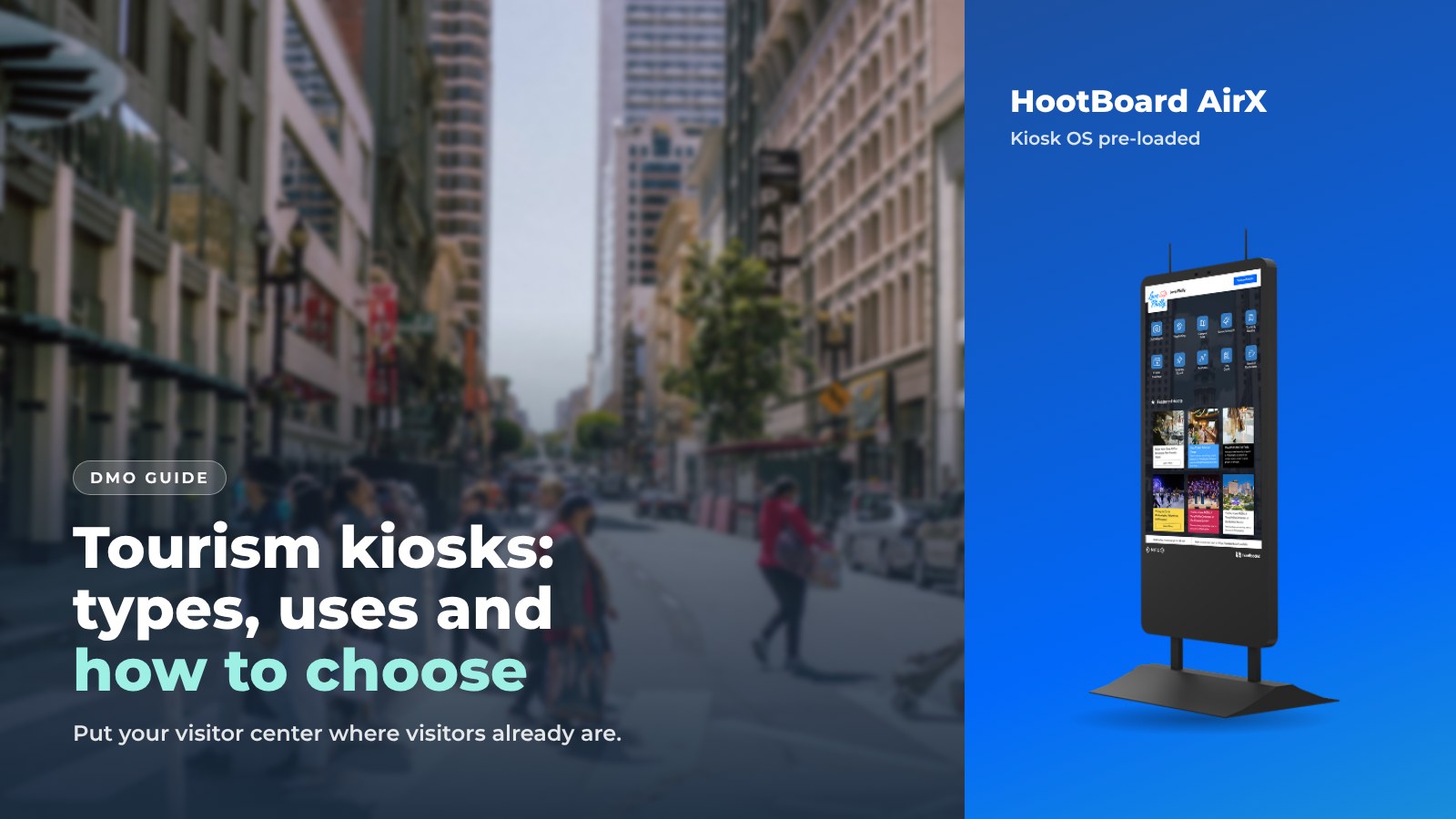
A tourism kiosk is a touchscreen that answers the questions your visitor center staff answer all day. It works in the places where staff can't be: the train station, the hotel lobby, the park, the trailhead.
HootBoard is a kiosk operating system and content platform, plus the tourism kiosks for DMOs that run it. You publish once from a web dashboard, and the content shows on every kiosk, on signage screens and on visitors' phones. No IT team is needed, and your first screen can be live in under 30 minutes.
This guide covers what a DMO needs to know before buying a tourism kiosk: the types, how the system works, the uses that matter to visitors, and a checklist for choosing one.
Types of tourism kiosks
Kiosks sort by where they live. Start with the spot, then pick the hardware.

- Indoor floor-standing. The standard for visitor centers, hotel lobbies and airports. The HootBoard AirX is a slim portrait panel on two legs, and it also mounts on a wall, which helps in a small lobby. The Glide is a tall indoor floor stand.
- Heavy-duty indoor. For transit halls, malls and campus hubs where the kiosk gets bumped all day. The Glide XT is built for this.
- Outdoor. Sealed, very bright and weather-rated, so it reads in full sun and survives rain. The Versi comes as a floor stand for a plaza or trailhead, or as a wall mount for a building exterior.
- Bring your own screen. Any Android 7+ screen or tablet can run the HootBoard app with built-in kiosk lockdown. Any x86 PC or all-in-one can boot HootBoard Kiosk OS from a USB stick. This is a good way to pilot before you buy hardware.
Every HootBoard kiosk ships with Kiosk OS pre-loaded. The store offers 30-day returns plus volume and government pricing, and it lists the specs for each model.
Compare HootBoard kiosks on the store
How a HootBoard kiosk works
Three layers do the work: the board, the apps and the handoff to the visitor's phone. You run all three from one web dashboard.

The board
Your HootBoard is a community bulletin board. Each post is a hoot: an event, a place, an announcement or a photo. Staff post from the dashboard or the mobile app.
Local businesses and community members can submit hoots too. You approve them with one click.
The apps
The kiosk home screen shows the apps you pick for that location:
- City Guide shows places on a map and a list, with detail pages and QR directions.
- Events pulls from your calendar feeds.
- Wayfinding gives floor-by-floor and accessible routes inside a building.
- Transit shows schedules and live arrivals.
- Selfie, Weather, Directory and forms round it out.
The handoff
Visitors can take what they find with them. They scan a QR code or tap "Follow on Mobile," and the page opens on their phone as a web app, with no download. They walk away with the directions, the itinerary or the event.
When nobody is touching the kiosk, it plays a playlist of your own signage. Priority alerts can take over every screen on the network at once.
What DMOs use tourism kiosks for
Most destinations start with visitor information and add more once the first kiosk is busy.

- Visitor information. The digital concierge: attractions, dining, lodging, restrooms, parking and hours. Multi-language detail pages help international visitors.
- Wayfinding. Interactive maps for convention centers, downtown districts and large venues, with ADA routes where needed.
- Events. Feeds from Localist, The Events Calendar, RSS and iCal (which covers Eventbrite and Google calendars) show up on the kiosk when they change on your site.
- Feedback. Surveys, feedback forms with emoji ratings, polls and trivia turn the kiosk into a listening post.
- Partner listings. Featured partner businesses in City Guide show first in the list, which gives members a reason to help fund the network. Optional AdSpace, run by an independent partner company, lets you sell screen time if you choose.
- Emergency alerts. National Weather Service alerts and your own priority messages take over every screen when it matters.
- Knowing your visitor. Analytics show who visits, where they come from, dwell time, travel group, top searches and QR scans for each screen.
How to choose a tourism kiosk
Work through this list with your team before you order anything.
- Location first. Indoor or outdoor? Floor or wall? Covered entrance or open plaza? The answer picks the hardware.
- What will visitors do at this spot? A transit hub needs Transit and City Guide. A visitor center needs City Guide, Events, Selfie and the AI concierge. Pick apps per location.
- Where does your content already live? Check that your events calendar, listings and social accounts connect. HootBoard has built-in integrations, including Simpleview and Tempest, plus 1000+ more through Zapier.
- Who will run it? If the answer is "the same two people who do everything," you need a no-code dashboard, one-click approvals and content that updates itself from feeds.
- What will you measure? Pick the three numbers you will report to your board. Visits, dwell time and QR scans are a good start. Make sure the platform gives them per screen.
- What happens when something breaks? Ask about 24/7 support, offline behavior and remote updates. A kiosk stuck on an error screen for a week does more harm than no kiosk.
- Can you grow? One screen today, a network next year. Adding a screen should be a license change, not a new project.

How to start
You don't need hardware on day one. A small pilot tells you more than a long planning phase.
- Create a board on the always-free Launch plan and load your top 20 places and this month's events.
- Pilot on a spare screen or tablet with the HootBoard app, and see how your staff like the dashboard.
- Pick the first location and order the kiosk that fits it.
- Connect your calendar feed and go live.
- Review the analytics after 30 days and choose location two.
When you want more screens, apps or analytics, the HootBoard plans show what each one adds.
Book a demo for your destination and we'll walk through the first location with you.
FAQ
What is a tourism kiosk?
A touchscreen in a public place that gives visitors maps, attractions, events, dining and directions, then sends that information to their phone by QR code. It extends the visitor center to wherever visitors are.
Do we need IT staff to run one?
No. HootBoard is cloud-managed from a web dashboard. You handle content, apps and updates without touching the kiosk.
Can a tourism kiosk work outdoors?
Yes, with outdoor hardware such as the HootBoard Versi, which is sealed and bright enough for full sun.
Can we try it before buying hardware?
Yes. Create a board on the always-free Launch plan and run it on an Android screen or a PC you already have.
Does the kiosk still work if the internet drops?
Yes. HootBoard kiosks cache content and keep running offline, then sync when the connection returns.