
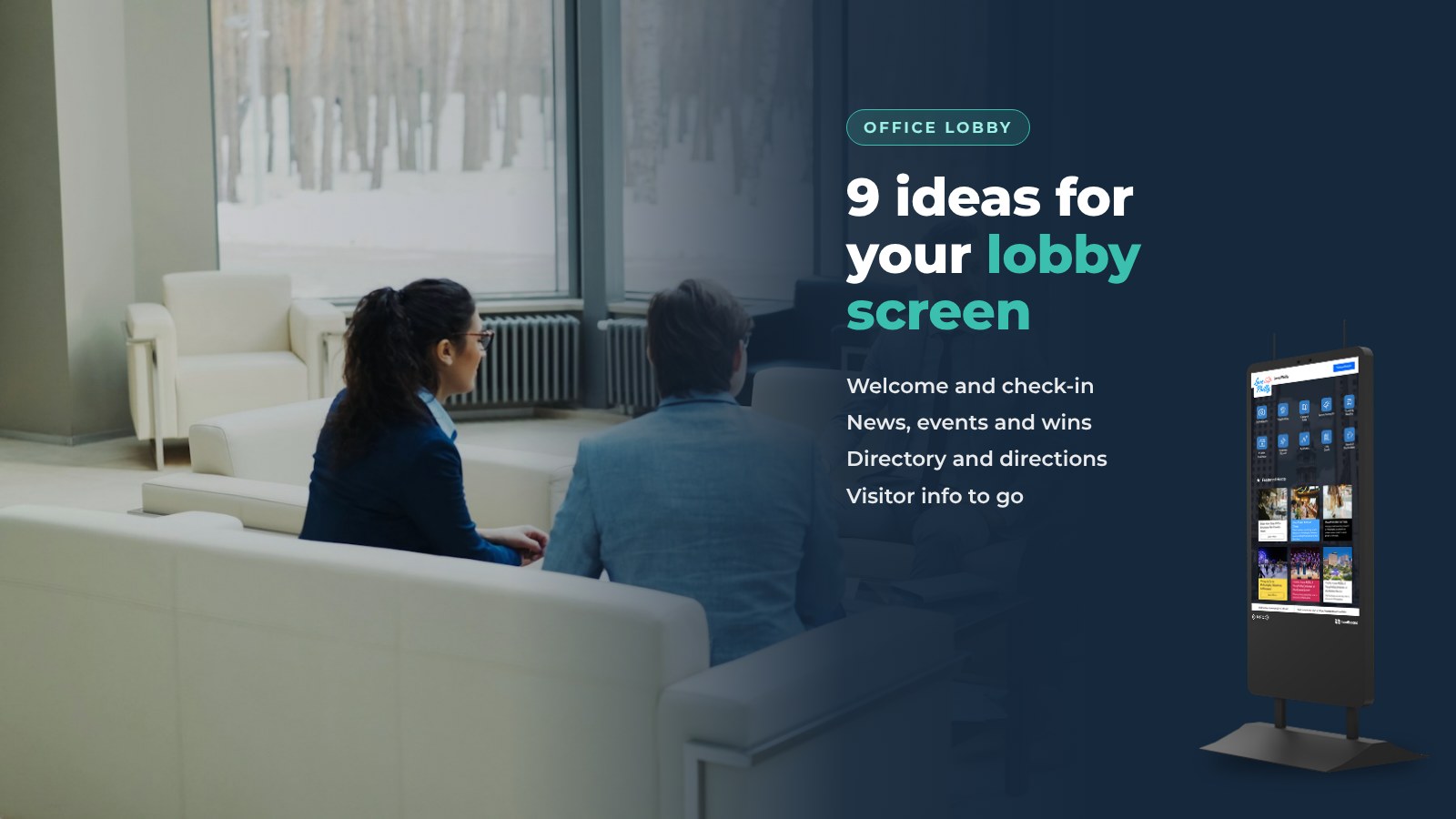
Your lobby screen is the first thing visitors and candidates see. Good digital signage in office lobbies does more than loop a logo. Here is what digital lobby signage is, the features that matter, and nine ideas to put on it, from visitor check-in to a live Instagram feed.
Most lobbies still rely on a framed poster or a notice board nobody has updated since spring. The people walking in want different things: a candidate needs the right floor, a vendor needs the Wi-Fi, and an employee wants to know what is on this week. A static sign can't answer all of them.
What is digital lobby signage?
Digital lobby signage is a screen in your reception area that shows live, useful content instead of a printed poster. Done well, it does three things:
- Welcomes people. A greeting, a check-in, and the basics a guest needs in the first minute.
- Informs. Company news, today's meetings, upcoming events and safety notes.
- Guides. Directions to the right floor, room or person.
The difference between a good lobby screen and a wasted one is interaction. A screen people can touch, search and scan does more than one they can only watch. The same content can also show on signage screens around the building and on a mobile page visitors open with a QR code.
Features that matter in lobby signage software
- A web dashboard. Anyone on the front desk or comms team can post an update from a browser, with no design tool.
- Playlists for idle time. Signage content plays when nobody is touching the screen, and the interactive menu comes up when someone does.
- Integrations. Calendars, Slack, RSS, Instagram and the tools you already use, so the screen updates itself.
- QR handoff. Any page can be sent to a phone, with nothing to install.
- Analytics. How many people used the screen, when, and what they searched for.
- Runs on screens you own. The software should work on an Android screen or PC you already have, as well as on a purpose-built kiosk.
1. Welcome messages and visitor check-in
A warm greeting for an expected guest or candidate sets the tone before anyone says hello. Pair it with a self-service check-in so the front desk isn't the only way in.

- Creates a first impression that matches your culture
- Shortens the wait at the front desk
- Keeps a list of who is on site right now
HootBoard's Check-In and Visitor Registration apps run on the same screen as the rest of your content. You choose the questions, and every check-in lands in a list you can search and export.
2. Company news and updates
A lobby screen is the one place everyone walks past. Use it for the few updates people need this week: a new hire, a product launch, a policy change.
- Keeps employees and visitors on the same page
- Encourages transparency
- Replaces the email nobody opened
3. Success stories and testimonials
A customer quote or a project win on the lobby screen is social proof for visitors and a morale boost for staff.
- Builds trust with visitors and candidates
- Reinforces what the company is proud of
- Easy to rotate each month
4. A live social feed
Pull your company Instagram onto the screen so the lobby shows what the team did this week, not what marketing posted last quarter.
- Keeps content fresh without extra work
- Shows the human side of the company
- Updates on its own
HootBoard has a built-in Instagram integration. Other feeds can come in through RSS or Zapier.
5. Upcoming events and meetings
Show today's meetings, the all-hands on Thursday and the volunteer day next month.
- Keeps everyone informed
- Builds interest in company events
- Helps visitors find the right room at the right time
An Events app that reads your Google, Outlook or Apple calendar over iCal keeps this list current by itself. Room and calendar displays from Microsoft 365 and Google Workspace are also available.
6. Interactive directory and map
Larger offices lose visitors somewhere between the lobby and the meeting room. A directory and a touch map fix that.

- Makes multi-floor buildings easier to get around
- Cuts the number of "where is..." questions at the desk
- Supports accessible routes
HootBoard's Directory app covers people and departments. Indoor Navigation adds floor-by-floor directions, ADA routes and paths across floors, and visitors can take the page with them by scanning a QR code.
7. Company data
Live numbers on the lobby screen, such as units shipped, tickets closed or a fundraising total, make goals visible to everyone.
- Promotes transparency
- Shows progress, not just plans
- Keeps the whole team looking at the same number
Feed the data in through Slack, an RSS feed or a Zapier connection to the tool where the numbers live.
8. Branding and marketing content
Product videos, your brand story, a hiring campaign. People in the lobby are a captive audience for a minute or two.

- Reinforces brand identity
- Gives candidates a feel for the company before the interview
- Showcases products or services
Ready-made flyer templates keep this content on-brand without a designer. Pick a layout, apply your logo and colors, and publish it to the screen.
9. Visitor information and guidelines
Wi-Fi details, parking validation, safety guidelines, where the restrooms are. Put the practical things on the screen and let visitors take them along.

- Answers common questions before they are asked
- Supports visitor comfort and safety
- Sends the details to a phone with one QR scan
With these nine ideas, your reception area becomes a place that welcomes and informs instead of a place where people just wait. You can start a board on the always-free Launch plan and try several of them in an afternoon.
Running it on HootBoard
HootBoard is a kiosk operating system and content platform. For an office lobby, it runs in three ways.

- On a HootBoard kiosk. The AirX and Glide indoor models ship with HootBoard Kiosk OS pre-loaded. See the models on the HootBoard store.
- On a screen you already own. Install the HootBoard app on any Android 7+ screen, tablet or media player. Its built-in kiosk lockdown takes over the device so it only shows your board.
- On a PC. Boot HootBoard Kiosk OS from a USB stick on an x86 PC or all-in-one, and it becomes a dedicated kiosk.
One web dashboard manages every screen. Interactive content for the touchscreen and Screen Playlists for idle signage live side by side. Anything you publish can also show on a web link for phones.
Staff post updates from a browser or the mobile admin app, and posts from the community can be approved in one click. You can have a first screen live in under 30 minutes, with no IT project.
Get started
Digital lobby signage is a small project with a visible return: a better welcome, fewer questions at the desk and one place everyone looks for what is happening. If you'd like to see it with your own content, book a demo.
FAQ
What should digital signage in an office lobby show?
A welcome and check-in, this week's company news, upcoming events and meetings, a directory with directions, and practical visitor information such as Wi-Fi and parking. Rotate marketing content and social feeds around those basics.
Do I need a special screen for lobby signage?
No. HootBoard runs on purpose-built kiosks, on any Android 7+ screen or media player through the HootBoard app, and on x86 PCs by booting HootBoard Kiosk OS from USB.
Can lobby signage be interactive?
Yes. A touchscreen lets visitors check in, search a directory and get directions, and a QR code sends the details to their phone without installing anything.
How is lobby signage content updated?
From a web dashboard or the mobile admin app. Calendars, Slack, RSS and Instagram can feed the screen automatically, so the content stays current with little manual work.
What does it cost to run?
You can start on the always-free Launch plan. More screens, apps and analytics move you to a paid plan, and the options are on the HootBoard pricing page.