
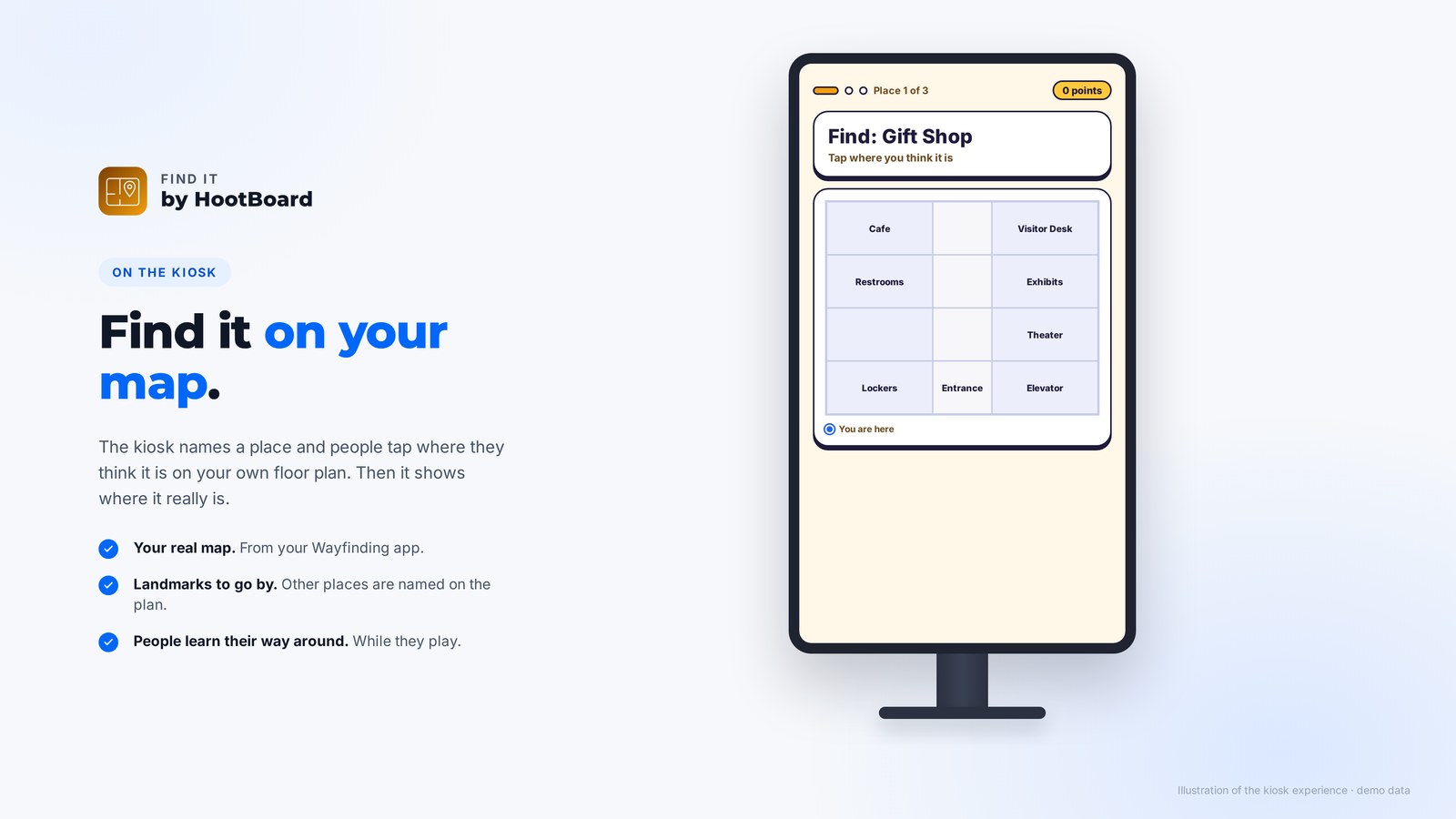
Find It is a new HootBoard game for kiosks with Wayfinding. The kiosk names a place, people tap where they think it is on your floor plan, and they leave knowing their way around.
Most people look at a building map only when they're already lost. Find It turns your map into a quick game, so visitors, patients, students and staff learn where things are before they need them.
So we built Find It, the fourth game for your HootBoard kiosks.
Find it on your map
Tap Start and the kiosk asks, for example, Find: Gift Shop, over your own floor plan. Other places are named on the map as landmarks, and the "you are here" dot shows where the kiosk is. Players tap where they think the place is. A right tap scores, a quick one scores more, and either way the kiosk shows where it really is before the next place comes up.

Nothing to write, always up to date
There are no questions to write. Places come straight from your Wayfinding map, so when a shop moves or a new office opens, the game knows the same day. All you choose is which kinds of place to ask about, every kind or just some, and how a round plays.

- Visitor centers and town halls: help people find the clerk's office or the restrooms on their own.
- Hospitals: a quick way for patients and families to learn where imaging, the pharmacy or the cafe is.
- Campuses and offices: a fun part of orientation for new students and new joiners.
A leaderboard, like our other games
Every player gets a friendly name, like Brave Owl 42, and a place on the board for the day, the week or all time. Nobody types anything. The Results page shows how many rounds were played and which places stump people most.
Set it up in a few minutes
- Make sure your board has the Wayfinding app and an indoor map with places on it.
- Find Find It under Games in the HootBoard App Store and add it to your board.
- Click Open dashboard, then New game, and choose which kinds of place to ask about.
- Pick how many places a round asks and how long each one gets, then click Publish.
Don't have an indoor map yet? Write to us at support@hootboard.com and we'll help you get one set up. Find It runs on kiosks using the latest version of the HootBoard kiosk app.
The bottom line
Your map already helps people who are lost. Find It helps them before they get lost, and makes it fun. It joins Trivia, This or That and Memory Match in the Games section of the HootBoard App Store.