
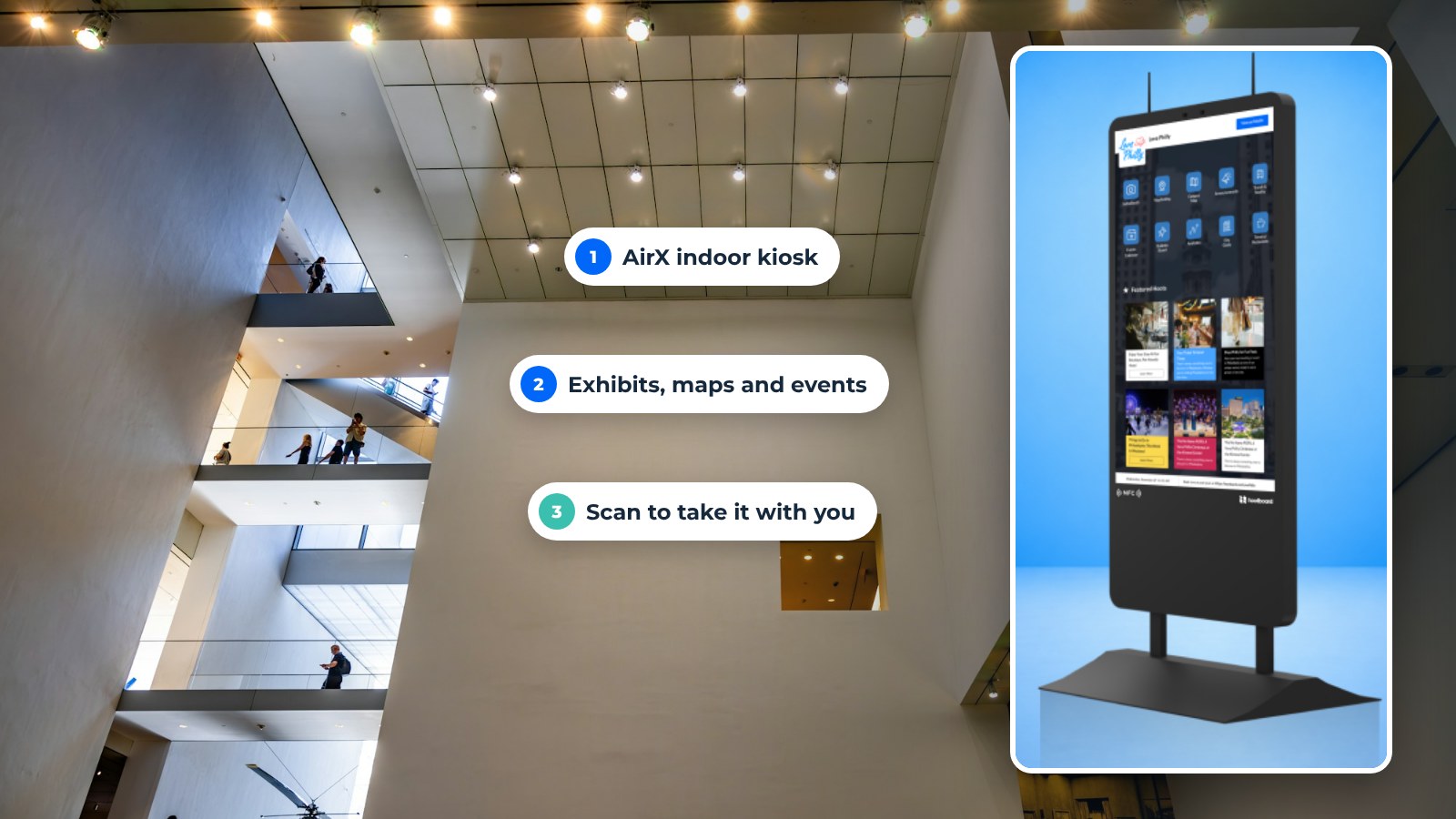
A visitor kiosk is a touchscreen that greets people at the door, shows them where to go, tells them what is on today and lets them take that information with them on their phone. Museums, parks, zoos and galleries use visitor kiosks to replace the folded map, the line at the info desk and the flyer rack.
This guide covers what a visitor kiosk does, how each type of attraction uses one, and how to roll one out without an IT project. Where we mention a specific capability, it is one that ships on HootBoard today.
Exhibit content that goes deeper than the label
A wall label has room for a paragraph. A kiosk has room for the rest of the story.
- Video and image galleries for each exhibit or trail, opened with a tap.
- Trivia and quizzes tied to the exhibit, which also keep children moving through a hall.
- Multiple languages, so an international visitor reads the same story as a local one.
- Take it with you. A QR code on any page sends it to the visitor's phone as a web page, with no app to install.
Content lives in the HootBoard dashboard as hoots. A curator can update a label the morning an object moves, without a reprint.
Wayfinding that works indoors and across the grounds
Large museums and sprawling parks share one problem: people get lost, then they ask staff.

Indoors, the HootBoard Indoor Navigation app gives floor-by-floor routes across multi-floor buildings. It offers ADA-accessible paths and switches to evacuation routes when you need them. Floor plans import from CAD or IMDF files, so you are not redrawing the building.
Outdoors, the City Guide app covers trails, picnic areas, restrooms and parking in a map and list view, with detail pages and QR directions. For a zoo or state park, it can also list partner businesses and nearby lodging.
Every route ends with a QR code the visitor scans to carry the directions with them. The interactive tourism kiosk page shows how the same setup works for visitor centers.
Engagement beyond the map
Visitor kiosks are good at the small, fun moments that make a visit memorable.
- Selfie app. A branded photo with the exhibit or park as the backdrop, sent to the visitor's phone to share.
- Polls and feedback. Emoji ratings and short surveys at the exit, so you hear from visitors who never fill in a form.
- Spin-to-win and trivia. Light games that reward a visit to a quieter gallery or the cafe.
- Events feed. Today's talks, feedings, tours and showtimes, pulled from your events calendar through a built-in integration or iCal.

What visitors get
- Accessibility. Kiosks set at an accessible height, ADA routes in wayfinding, and multiple languages.
- Real-time information. Schedules, weather and closures update the moment staff publish them. Priority alerts can override every screen on the network at once.
- Answers around the clock. The kiosk at the gate still works when the desk is closed.
- Local recommendations. Nearby food, lodging and partner attractions, so the visit does not end at your exit.
What the attraction gets
- Anonymous analytics. Dwell time, top searches, apps opened and QR scans, per screen. You see which content people use and which signs they still ask about.
- Fewer repeat questions at the desk. Restrooms, parking, start times and "where is the gift shop" move to the screen.
- Partner visibility. Featured listings for the cafe, the gift shop or a partner hotel show first in the City Guide list. If you want to go further, sponsored listings and optional AdSpace help the screens pay for themselves.
- No reprints. Maps, schedules and flyers update from one dashboard across every kiosk, signage screen and visitor phone.
There are no Bluetooth beacons and no location tracking. The visitor chooses what to scan and what to take with them. The kiosk software page covers the dashboard and apps in more detail.
See indoor and outdoor HootBoard kiosks
Use cases by attraction type
Every attraction uses the same building blocks in a slightly different mix. Here is where each type usually starts.
Museums
- Exhibit deep-dives with video, images and trivia.
- Self-guided tour routes with ADA options.
- Multilingual labels for international visitors.
Art galleries
- Artist bios and work details on demand.
- Upcoming exhibitions and workshops from the events feed.
- Visitor votes for a favorite piece through a quick poll.
Theme parks and water parks
- A park map with QR handoff at every entrance.
- Showtimes, parade times and weather on the home screen.
- Priority alerts for weather closures across every screen.
Zoos and aquariums
- Animal and conservation content by exhibit.
- Feeding and talk schedules from the events calendar.
- The Selfie app with the exhibit as a backdrop.
State parks and trailheads
- Outdoor Versi kiosks at the visitor center and main trailhead.
- Trail maps, conditions, and National Park Service or NWS alerts.
- Nearby lodging and dining from partner listings.

How to roll it out
- Pick the job. Start with wayfinding, exhibit content or events. Add the rest later.
- Pick the spots. The entrance, the place where people most often ask for help, and one outdoor spot if you have grounds.
- Load the content. Connect the events calendar, add the hoots you already have, and import your floor plan when you are ready for indoor routes. HootBoard kiosks arrive with the Kiosk OS pre-loaded, so the board itself can be live in under 30 minutes.
- Brief the team. Whoever updates the website can update the kiosk. The dashboard needs no technical skill.
- Read the analytics. After a month, check top searches, dwell time and QR scans, then adjust the content.
Frequently asked questions
What is a visitor kiosk?
A touchscreen placed where visitors arrive. It shows a map, today's schedule, exhibit or trail content and local recommendations, and it sends any of it to the visitor's phone with a QR code.
Do visitor kiosks work outdoors in a park?
Yes, with outdoor-rated hardware. HootBoard's Versi kiosks are built to be read in direct sun and sealed against weather. The software caches content, so the screen keeps working if the network drops.
Can a small museum manage a kiosk without IT staff?
Yes. HootBoard is cloud-managed from a web dashboard, and the always-free Launch plan covers a single board with the Bulletin Board, Directory, Weather and Selfie apps. Wayfinding and events feeds come with paid plans.
Does a visitor kiosk track visitors?
HootBoard reports anonymous usage, such as dwell time, searches and QR scans per screen. It does not track individual visitors' locations or pair with their phones.
Want to see a museum or park board set up live? Book a demo and bring your floor plan or trail map.