
An employee engagement board gives your whole team one place to see news, thank each other and share ideas. People work in different places and on different shifts, and email does not reach all of them. A digital bulletin board puts the same updates on office screens and on phones, so everyone sees the same thing.
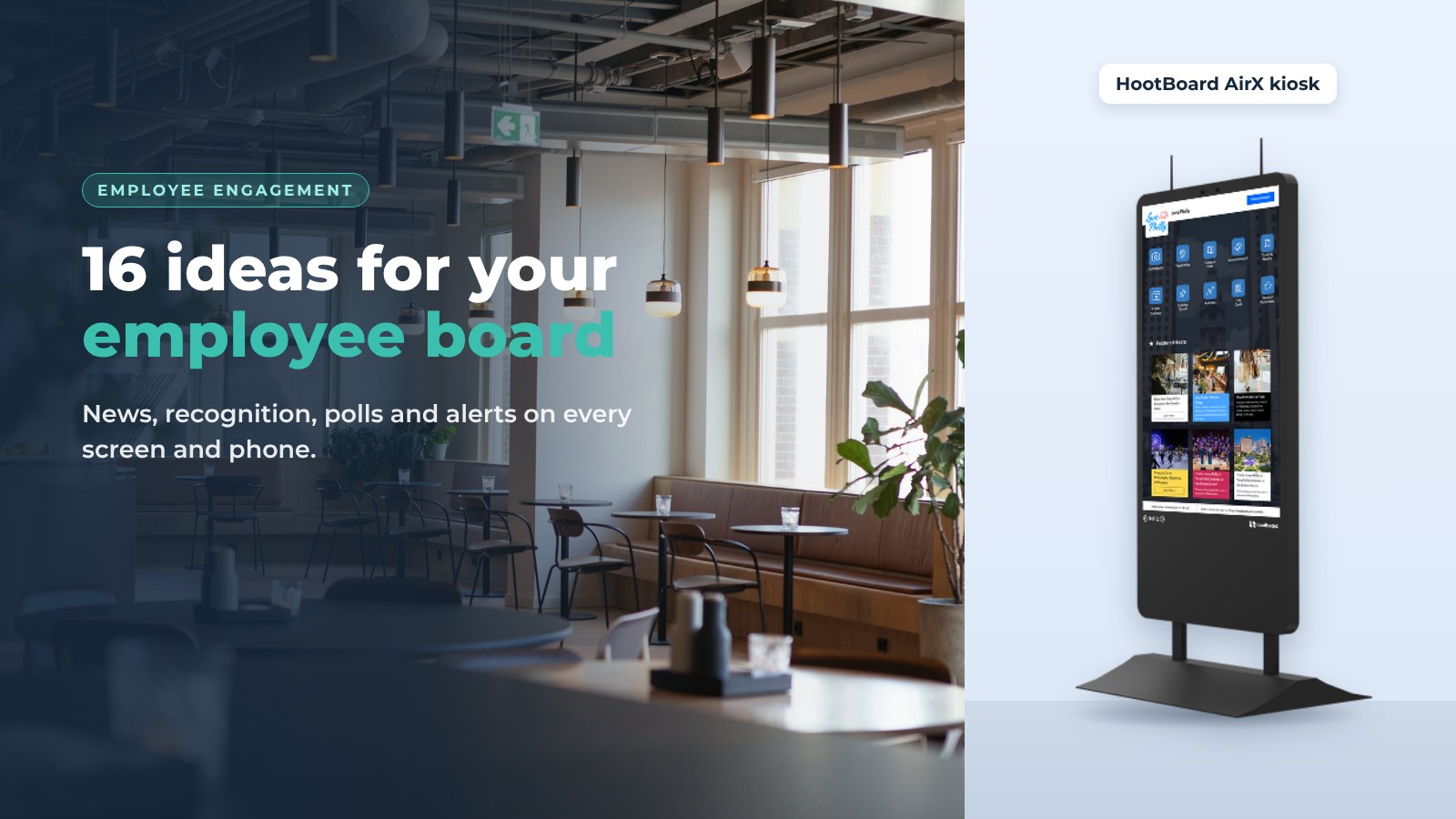
HootBoard is a kiosk operating system and content platform. You post once, and it shows on your office screens, on your board's web page and in the HootBoard mobile apps. Below are 16 ideas to try on your employee bulletin board, and four steps to set one up.
Why employee engagement matters
Engaged employees do better work and stay longer. A digital bulletin board helps because it is open and easy to use: anyone can read it, and staff can add to it.
It also helps teams that are not in the same room. A remote or hybrid employee can open the board's web page or the mobile app and see what the office sees. They feel part of the same team.
A board is a good place to work together, too. A project team can use it to share launch dates, post ideas and show progress, so nobody has to dig through email threads. For more ideas, read our guide to digital signage for employee communication.
Ways to organize your board
You do not need a long list of boards. Most teams mix a few kinds of content on one board:
- Company news. General updates, announcements and events.
- Team and department updates. Schedules, wins and what is coming up.
- Project updates. Milestones and open questions for a project team.
- Social posts. Birthdays, photos and team events.
- Ideas and suggestions. A place for staff to suggest improvements.
Each post is called a hoot. Every hoot you publish goes to every screen and phone that shows your board.

6 communication ideas
A bulletin board makes it easy to share information with everyone at once, and for staff to answer back.
- Instant updates. Post a policy change or a schedule update, and it shows on every screen and phone right away.
- Staff posts with approval. Employees can submit their own posts. You approve each one with one click before it goes live.
- Feedback channels. Add a short form or a poll for questions and concerns, so staff feel heard.
- Visual updates. Use photos, video and designed flyers. They get more attention than plain text.
- Phone handoff. A QR code on the screen lets anyone take a post with them on their phone.
- Push notifications. People who use the HootBoard app can get a notification when something new is posted.
These ideas keep everyone informed and give staff a voice.

6 company culture ideas
A board is a simple way to show what the company stands for and to celebrate people.
- Team achievements. Highlight a finished project, a sales goal or an award.
- Employee milestones. Work anniversaries, promotions and personal wins.
- Company news. New partners, product launches and leadership changes.
- Employee activities. Team lunches, charity runs and social events.
- Learning resources. Link to webinars, articles and training sessions.
- Recognition of employee ideas. When you use someone's idea, say so and name the person.

Want to see what this could look like in your office? Talk to us about your workplace.
4 more engagement ideas
These ideas use the apps and alerts that come with HootBoard.
- Polls, quizzes and surveys. Ask what staff think, run a quick quiz, or collect feedback with a short form. Use the results to guide decisions.
- Emergency alerts. With emergency notifications, a priority alert takes over every screen at once, so safety information reaches everyone.
- One post, every channel. Announcements, events, jobs and deadlines go out together on screens, the web page and phones.
- Keeping large sites informed. In a big building or across an office campus, screens in the right places keep everyone in the loop.
Set up your employee engagement board
You can have a board live in under 30 minutes, with no IT help. Here is how.
1. Set a goal
Decide what the board is for. It could welcome new hires, share news, thank team members or collect ideas. A clear goal makes it easier to choose what to post.
When you know the goal, create your board and pick a layout that fits.
2. Add your first posts
Add a few hoots before you invite anyone: a welcome note, one piece of news and one thing to look forward to.
Pick a type, such as an event, news, a job or an achievement. Choose a template, add your text and photos, apply your brand colors and publish. It shows on the board right away.

3. Put it on a screen
Show the board on a screen in the break room, the lobby or a busy hallway. You can use a HootBoard kiosk from the HootBoard store, any Android 7+ screen, or a PC running the free HootBoard Kiosk OS.
4. Invite your team
Send your employees an invitation and ask them to look around, post and respond. Thank early contributors and keep content fresh, and the board will keep growing. Our workplace communication kiosk page has more ideas for offices.
FAQ
What is an employee engagement board?
It is a digital bulletin board for staff. It shows news, recognition, events and ideas on office screens and on phones.
What should I put on an employee bulletin board?
Start with company news, a recognition post and an upcoming event. Add polls and a suggestion form once people are reading it.
Can employees post on the board?
Yes. Staff can submit posts, and you approve each one with a click before it goes live.
Is it free to start?
Yes. The always-free Launch plan lets you create a board and start posting. If you need more screens, apps or analytics, see the HootBoard plans page.
Do I need special screens?
No. Use a HootBoard kiosk, any Android 7+ screen or tablet, or a standard PC.
Start your employee board
A digital bulletin board makes company news easy to find and gives every employee a voice. Start small with a few posts and one screen, and let it grow.
Create your employee engagement board and post your first hoot today.