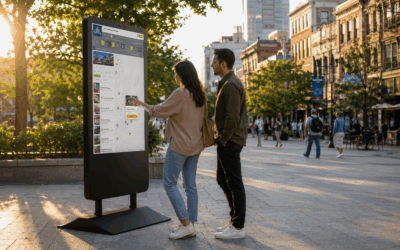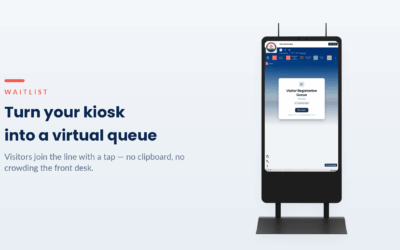
HootBoard wayfinding turns any HootBoard kiosk into a guide that gets visitors to the right door — in a hospital, a courthouse, a corporate campus, a hotel or a university, indoors and across the grounds. Visitors search for any room, suite or amenity and follow step-by-step directions to it, with no app and no asking the front desk. And the side visitors never see is just as good: you map your buildings once in an approachable editor, and the guide keeps working. (Looking for outdoor, destination-wide discovery — places, itineraries, trip planning? That’s HootBoard CityGuide.)
Here’s what campus wayfinding can do, and why each capability matters for the team that runs the place and the visitor trying to get somewhere in it.
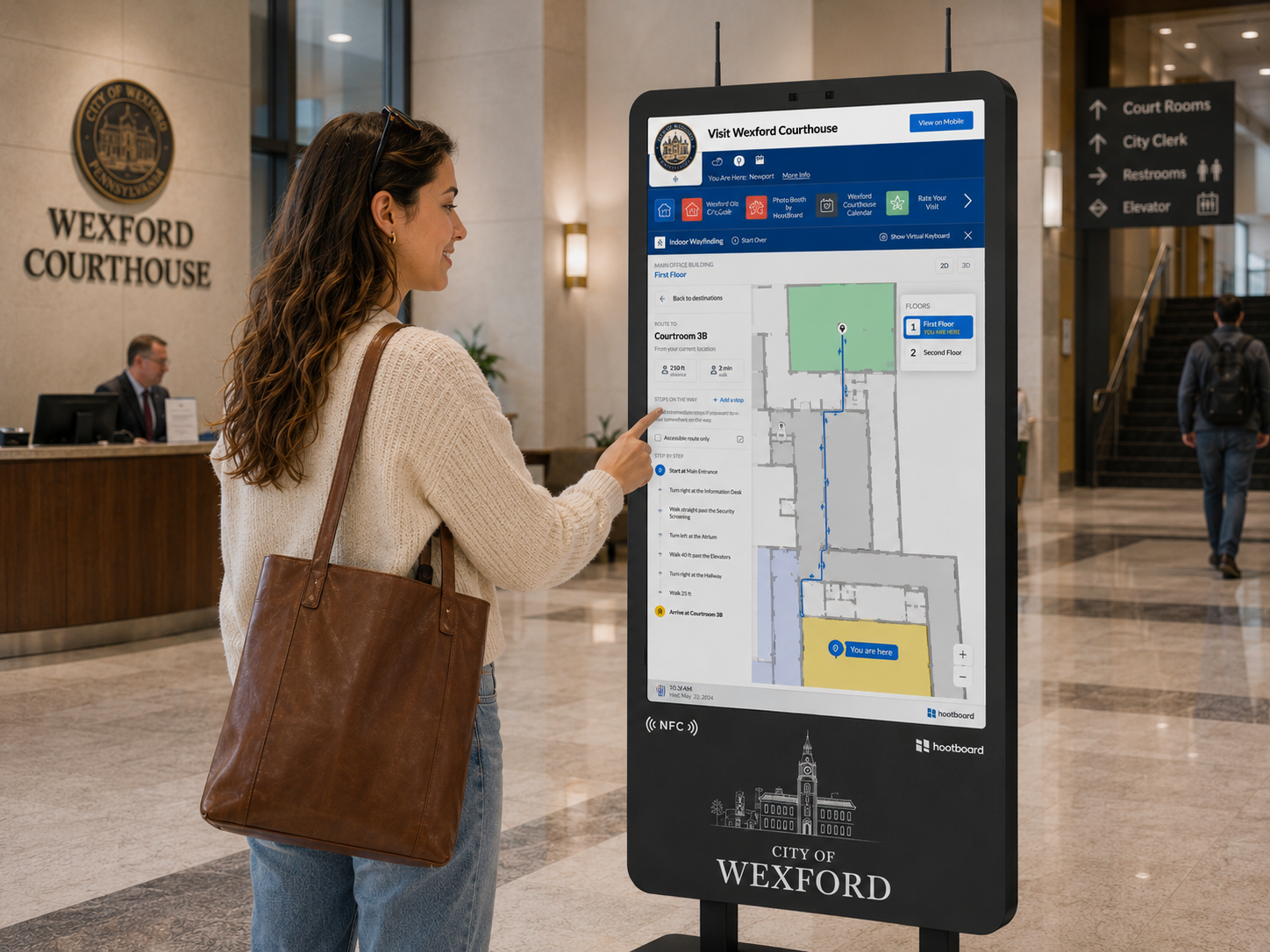
Directions to any door
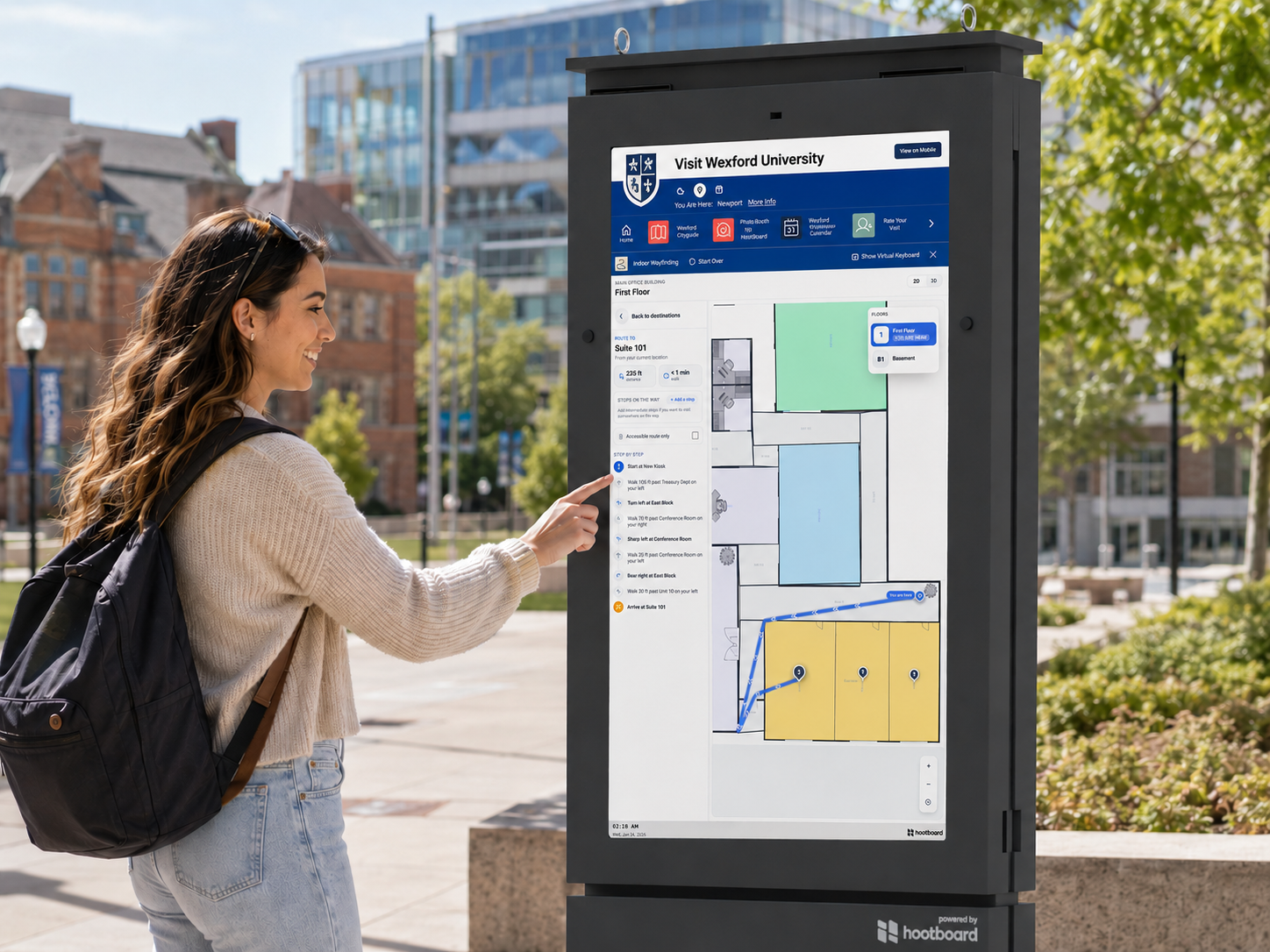
The capability: Visitors search or browse for any destination — with live distance and walk time — then follow a highlighted route and turn-by-turn steps to get there, whether it’s two doors down or across the quad. View floors in 2D or 3D, switch levels, hop between buildings, and choose accessible-only routes or add multiple stops along the way.
Why it matters: Nobody wanders, and nobody interrupts your staff to ask where something is. Whether it’s a first-time visitor or someone who needs the step-free path, everyone gets clear directions to exactly the right door.
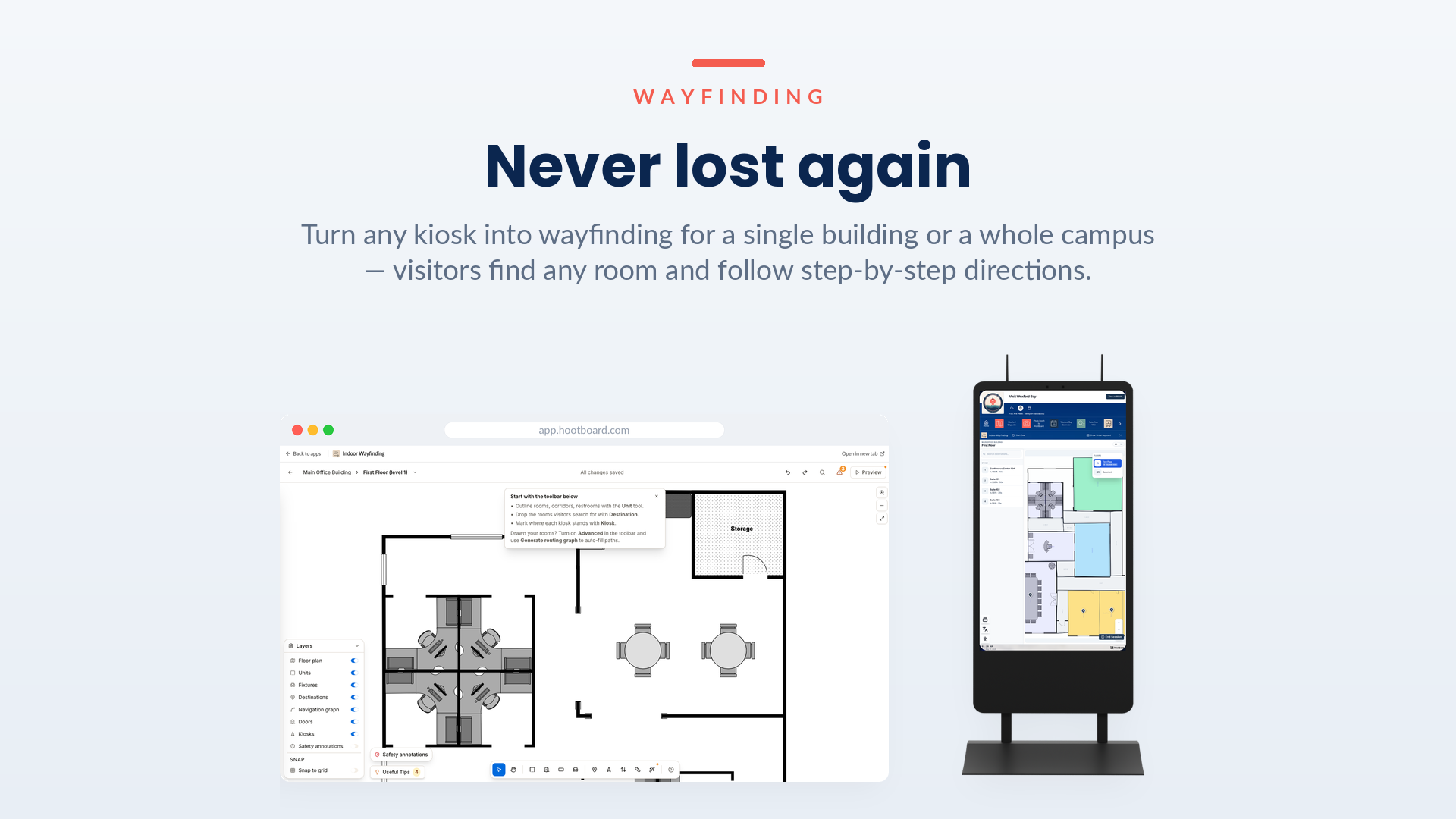
Map it once in the editor
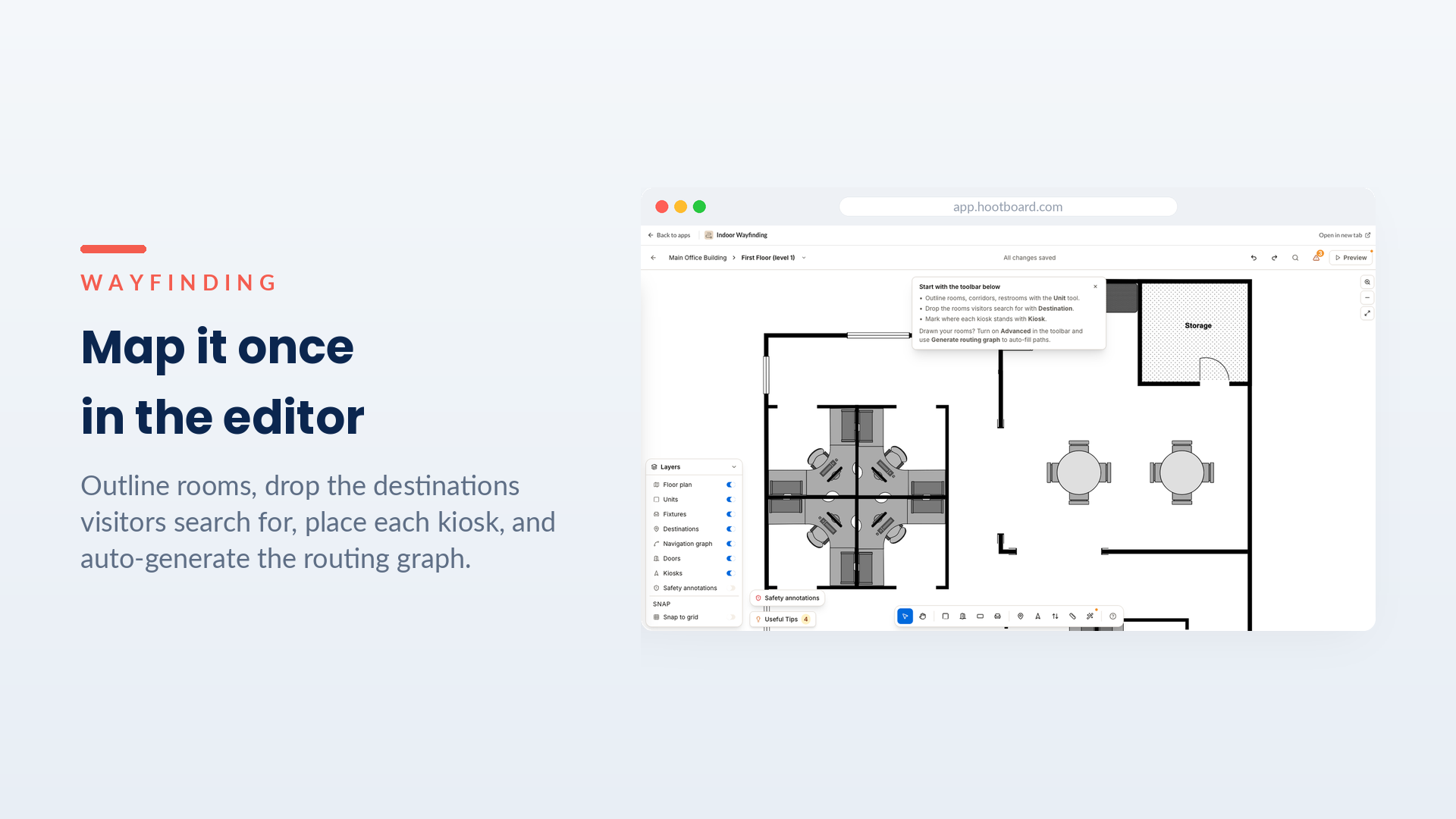
The capability: Build your map in an approachable editor. Outline rooms, drop the destinations visitors search for, mark where each kiosk stands, and auto-generate the routing graph that powers every path — all in simple layers you can rearrange without breaking anything.
Why it matters: You don’t need a CAD specialist or a services engagement. The person who knows the place can lay it out themselves, and editing later — a renamed suite, a new tenant, a new wing — is a quick change rather than a project.
Place every building on the map
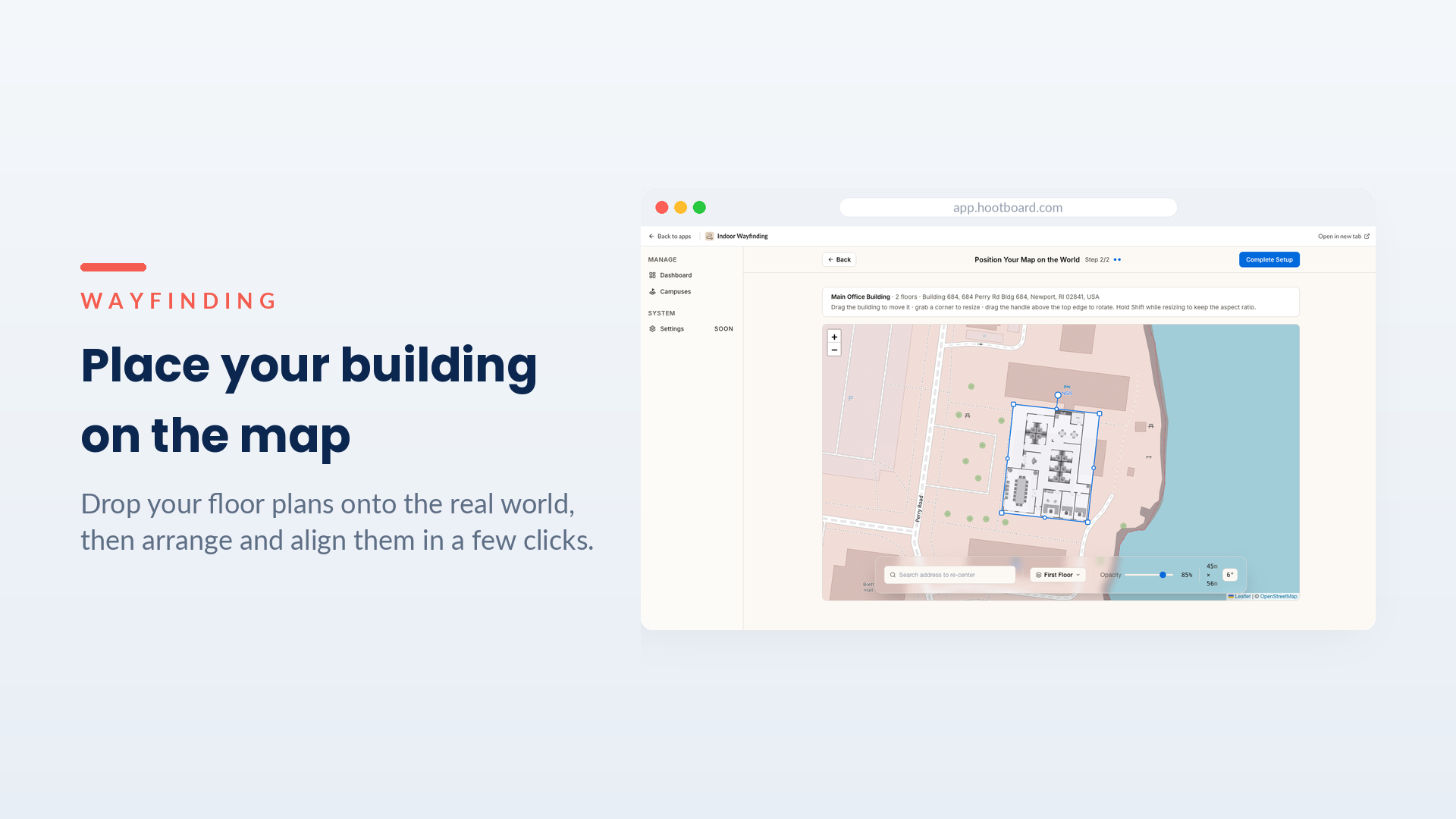
The capability: Upload floor plans or map straight from an address, then drag, rotate and align them on the real-world map — one building or a whole campus of them — until each sits exactly where it belongs.
Why it matters: This is what makes a campus navigable, not just a single floor. Buildings are positioned in true geographic space, so a route can take someone out one door, across the grounds, and into the right entrance of the next building — and directions stay trustworthy because the map is grounded in reality.
Stand up a campus in an afternoon
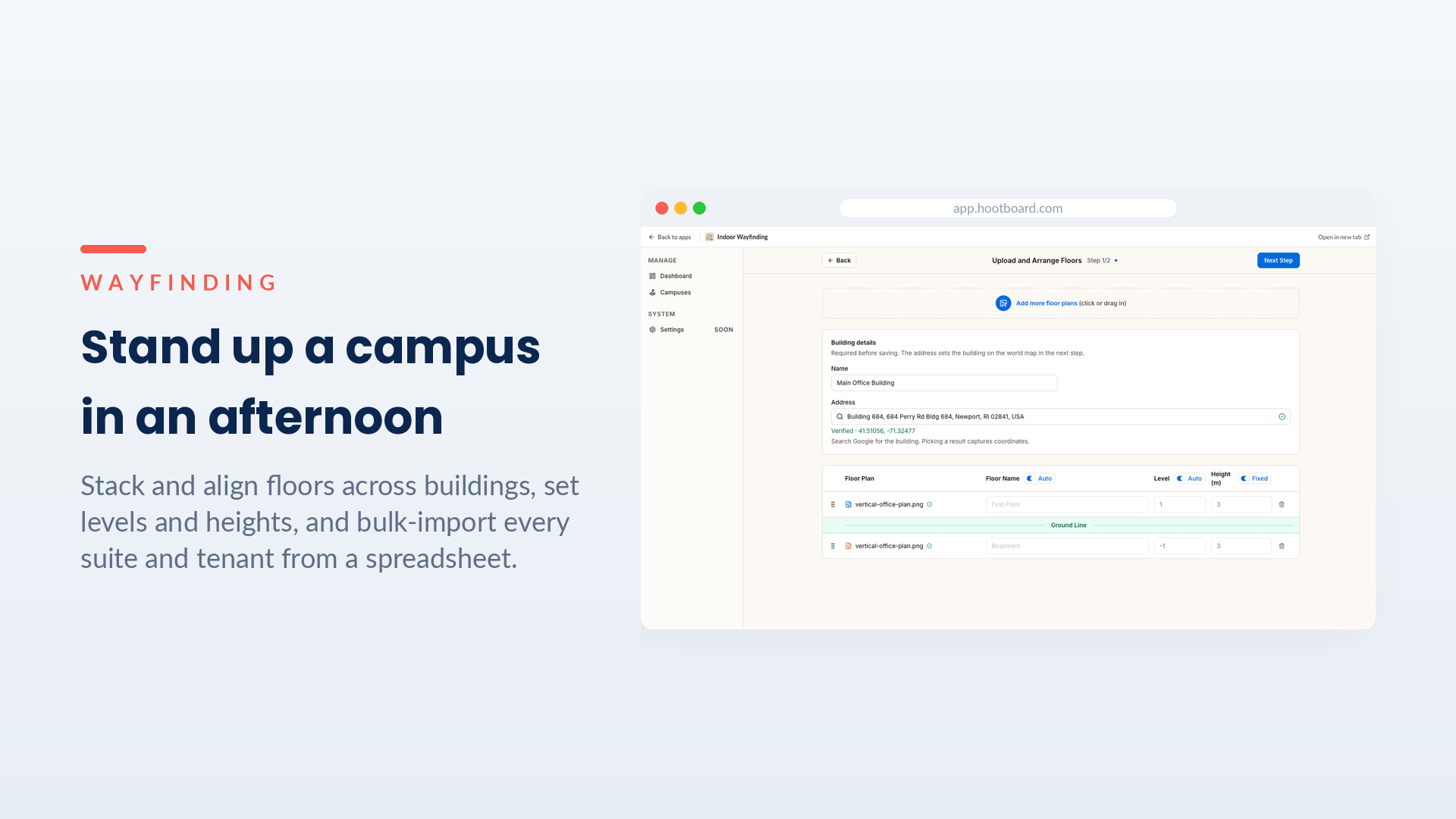
The capability: Stack and align multiple floors across multiple buildings, set their levels and heights, and bulk-import your entire directory of suites and tenants from a spreadsheet — then drop each one onto the plan.
Why it matters: Even a large, multi-floor, multi-building site goes live fast. The tedious part — typing in hundreds of rooms — is a CSV import, so your time goes to the judgment calls, not data entry.
Why campus wayfinding matters
A place is only as navigable as its guide is current — and HootBoard Wayfinding is built so standing one up, and keeping it right, takes hours, not weeks. Visitors get where they’re going on their own; your team stops being a human directory; and the map stays accurate because editing it is so easy. For campuses and universities, hospitals and medical centers, civic and downtown districts, corporate parks, hotels and resorts — and for anyone weighing HootBoard for theirs — that’s campus wayfinding that finally feels effortless on both sides of the screen.