
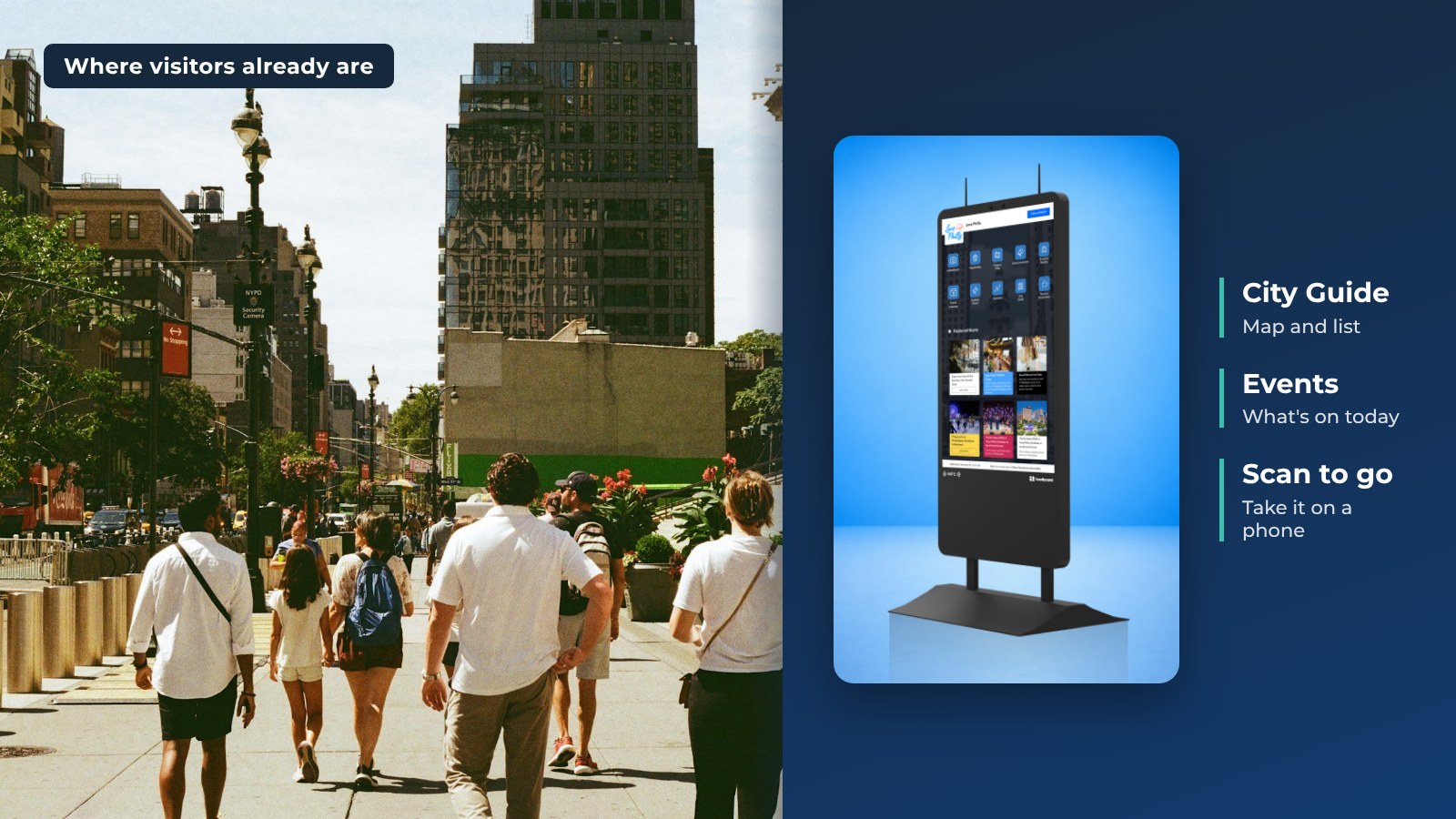
Visitor information kiosks, or tourist kiosks, put your visitor center where visitors already are. HootBoard runs City Guide, Events and Wayfinding on touchscreen kiosks, and the same content shows on signage screens and visitors' phones. For a destination, it is one of the simplest forms of kiosk marketing. Here are six reasons DMOs add them.
1. Influence Visitor Activities
You want to steer what visitors do. Kiosks help when:
- Visitor center traffic has fallen for years.
- A few key attractions draw most of the crowds (overtourism).
- Visitors miss much of what you offer, and you lose word-of-mouth and social posts.
- Your destination needs several visitor centers but you cannot staff more.
- You want to reach visitors where they are.
With City Guide, visitors browse places by interest, see them on a map and send directions to their phone by QR code. Featured listings show first in the list, so you can point people to places beyond the big sights. Events feeds show what is on today.

2. Influence the Community Narrative
If residents and businesses do not describe your destination well, you lose a chance to bring visitors in.
Good visitor information also helps residents talk about the place with pride. When locals know what is on and what is new, they share it.
Staff can publish updates, and community members can post to a community bulletin that you approve with one click.

3. Support Local Business
Kiosks give your attractions, restaurants and shops visibility, and that supports economic development. With HootBoard you can:
- Feature partner businesses in City Guide. Featured listings show first in the list.
- Promote events from local calendars and feeds.
- Add itineraries that send visitors past local shops.
- See which places visitors search for and open.

You can try this on one screen first. Start with the always-free Launch plan.
4. Cover Staffing Gaps and Extend Your Hours
Volunteers are hard to find, and visitor centers close. A kiosk is open 24/7 and answers the simple questions so staff can focus on harder ones.
- Self-service: visitors find answers without waiting in line.
- Personal: they pick the interests that matter to them.
- Multi-language: City Guide supports several languages.
- Data: analytics show who visits, how long they stay and what they search for, which helps you plan staffing.

5. Cut Print Waste
Flyer racks cost money, and most of what is on them gets thrown away. Digital content is updated in minutes and is easy to track.
- Replace brochures and event flyers with screens.
- Visitors take content with them: QR codes send a page or directions to their phone.
- Update once and every kiosk, screen and phone link changes, with no reprint.

6. Create Additional Revenue
DMOs are looking for more ways to fund visitor services. Featured partner listings in City Guide show first in the list, which gives local businesses a paid spot visitors actually see. Some destinations also add AdSpace, an optional screen monetization program run by an independent partner.
Once your goals are clear, put together a budget. See what to include in your visitor information budget. Not sure where to place your screens? Read where to put tourism kiosks.
FAQ
What is a tourism kiosk?
A touchscreen in a public place that gives visitors maps, events, local places and directions, with an option to send them to a phone.
Where should a DMO place tourism kiosks?
Welcome centers, downtown, trailheads, transit hubs, hotels and key attractions. Outdoor spots need outdoor-rated hardware.
Do we need IT staff?
No. HootBoard is no-code and cloud-managed, and you can go live in under 30 minutes.
What does it cost?
Start on the always-free Launch plan. See plans as you add screens and apps.
Want to see how kiosks would work at your destination? Book a demo and we will walk you through it.