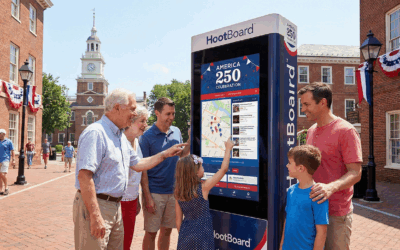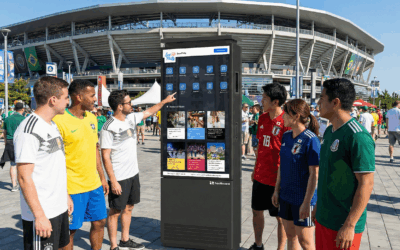
If you’ve ever stood in front of a downtown info kiosk wondering when the next bus actually comes, you already know the gap we wanted to close. Static schedules go stale. PDF route maps are unreadable from three feet away. And asking a visitor to pull out their phone and look up “what’s the bus that goes from here to the museum” defeats the entire point of a 55-inch screen in a public space.
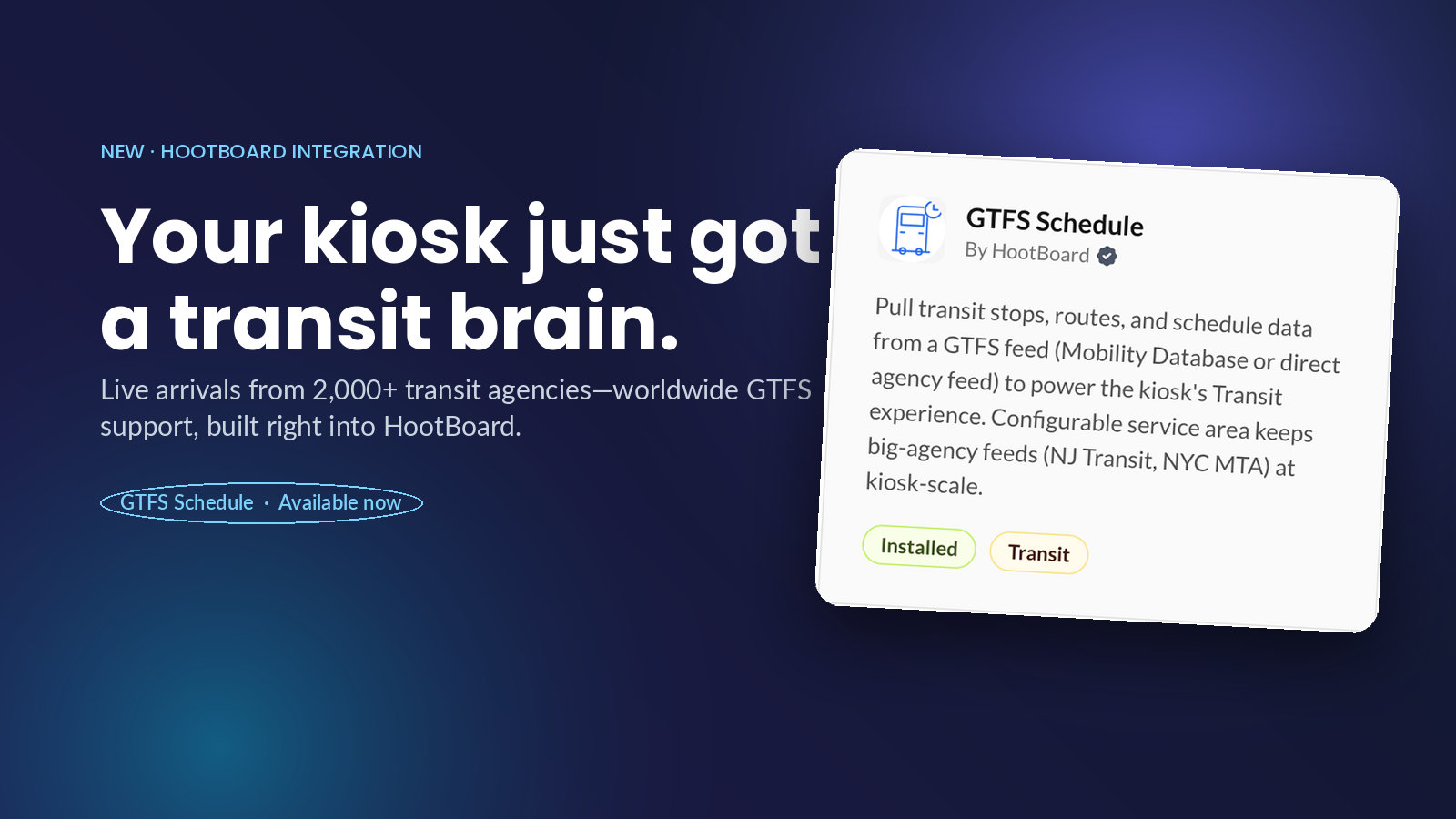
Today we’re rolling out GTFS Schedule — a new HootBoard integration that turns your kiosk into a live transit guide for the neighborhood it sits in.
What it does
Once you connect a GTFS feed, every HootBoard kiosk on that property automatically gains a Transit idle state: a full-screen, glanceable view of the closest stop to the kiosk, how far it is in walking minutes, the next several departures, and other nearby stops within walking distance. No configuration of individual stops. No manually entering routes. The kiosk figures out what’s relevant based on where it physically is, and the rider sees exactly what they’d see on a top-tier transit app — but bigger, ambient, and zero-tap.
Why GTFS
GTFS (General Transit Feed Specification) is the open standard that essentially every transit agency in the world publishes their data in. Google Maps, Apple Maps, Transit, Citymapper — they all read GTFS. We chose to build on it for one reason: it means HootBoard works out of the box with 2,000+ transit agencies worldwide, from a five-bus rural circulator to NYC MTA, with no custom integration work per agency.
Connecting your agency
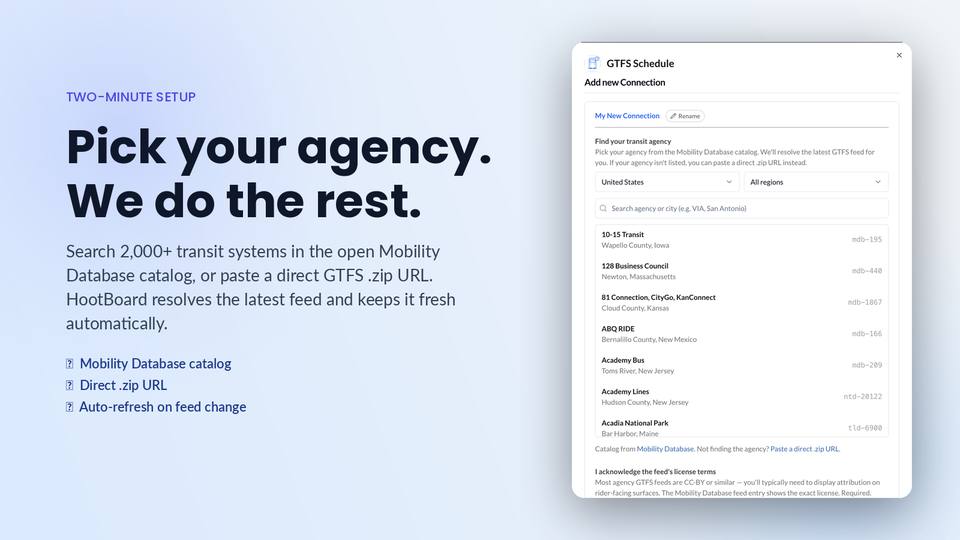
We made the setup as boring as possible, which is the highest compliment we can pay an integration.
From your dashboard, go to Apps & Integrations, find GTFS Schedule, and click Add new Connection. You’ll see a searchable catalog of every transit agency in the [Mobility Database](
If your agency isn’t in the catalog (some smaller systems aren’t yet), you can paste a direct .zip URL to the feed instead. Either way works.
One detail worth calling out: GTFS feeds typically carry a license (most are CC-BY or similar) that requires attribution on rider-facing surfaces. We surface the license terms during setup and require you to acknowledge them — and then we render the attribution automatically on the kiosk’s Transit screen so you don’t have to think about it.
Big agencies, small kiosks
A kiosk in a downtown coffee shop doesn’t need to know about every bus stop in the five boroughs. That’s why every GTFS connection has a configurable service area — typically a radius around the kiosk location — and HootBoard only renders stops inside that area.
This matters more than it sounds. NJ Transit’s feed has tens of thousands of stops. NYC MTA’s is even bigger. Without a service-area filter, the kiosk would spend its time parsing trips you’d never walk to. With it, the rider sees the four stops within a 10-minute walk and the next bus at each one — which is the only question they’re actually asking.
Always fresh, never re-fetched for nothing
Transit agencies update their feeds whenever a route changes, a stop moves, or a holiday schedule kicks in. HootBoard re-checks the feed automatically on a schedule, but we compare the upstream feed’s hash before re-ingesting. If nothing changed, nothing churns. If something changed — a new route, a stop renamed, a service pattern revised — your kiosks pick it up without you doing anything.
The Transit idle state, designed for ambient reading
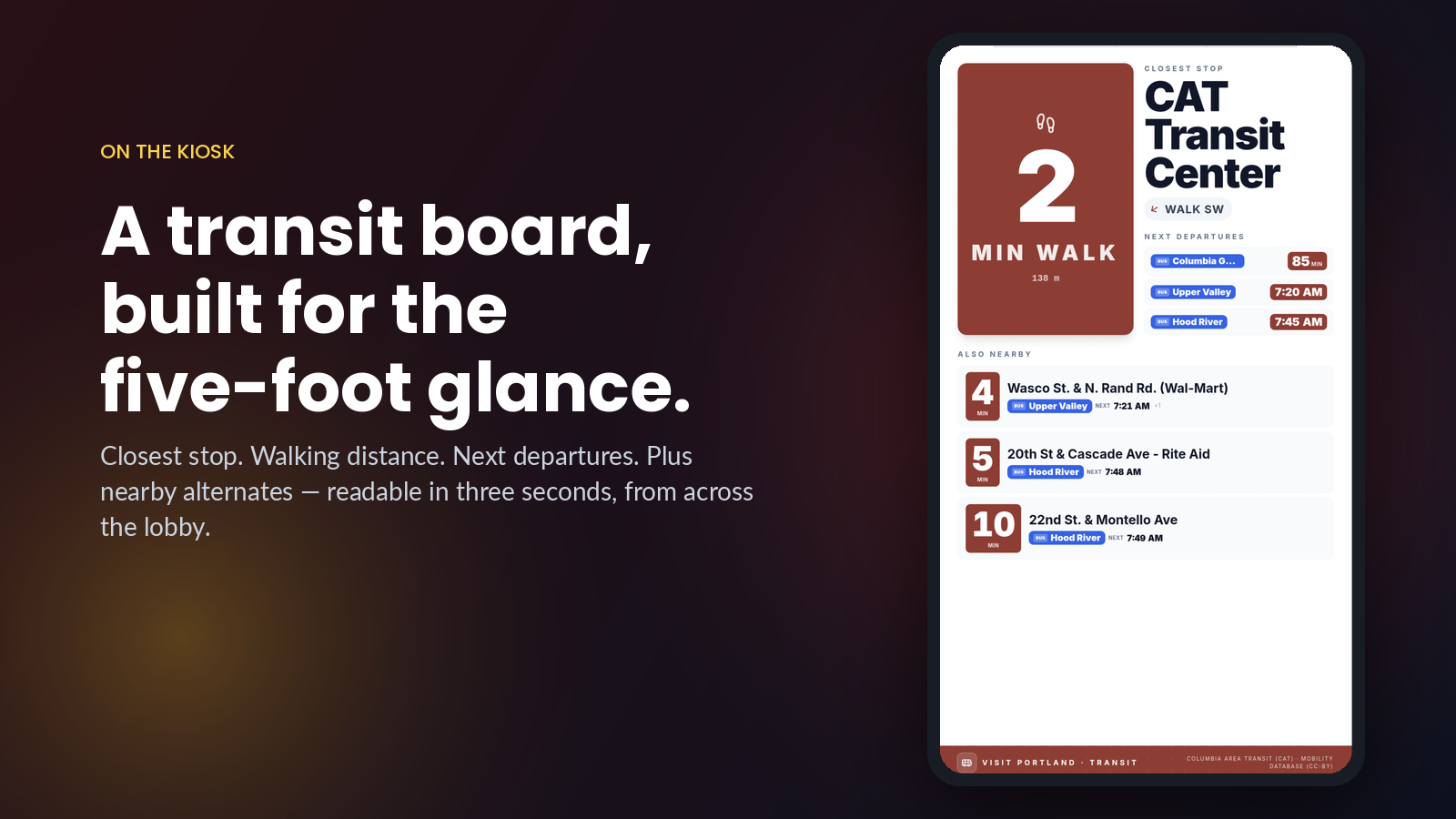
The new Transit slide is built for the way people actually use a kiosk: a glance from a few feet away. The closest stop dominates the screen with a giant walk-time number. Departures are color-coded by route. “Also nearby” stops are listed below with their walk times, so a rider can decide on the spot whether to wait at the closer stop or hike two blocks to the express. Everything is designed to be readable in three seconds.
Who this is for
If you operate a HootBoard in any of these spots, you should turn this on:
- A visitor center or DMO where tourists arrive without a transit app
- A downtown info kiosk or BID display in a city with active transit
- A hotel lobby in a walkable neighborhood
- A university or hospital campus with shuttle service published as GTFS
- A transit-adjacent retail location — coffee shops, restaurants, lobbies near stops
What’s next
GTFS Schedule is the foundation. GTFS Realtime — live predicted arrivals, delays, and cancellations refreshed every \~30 seconds — is the natural next layer, and it’s available now as a companion integration that sits on top of any installed GTFS Schedule connection. Together they replace the static-estimate experience with a true real-time board.
Setup takes about two minutes. Pick your agency, acknowledge the license, set your service area, and you’re done — your kiosks are now transit-aware.