
Turn Any Android Tablet or TV Into a Locked-Down Kiosk. Free for Life.
HootBoard Kiosk Lockdown pins your device to a single app or website — blocks the home button, survives reboots, and keeps working offline. Install it and lock down; no account needed.
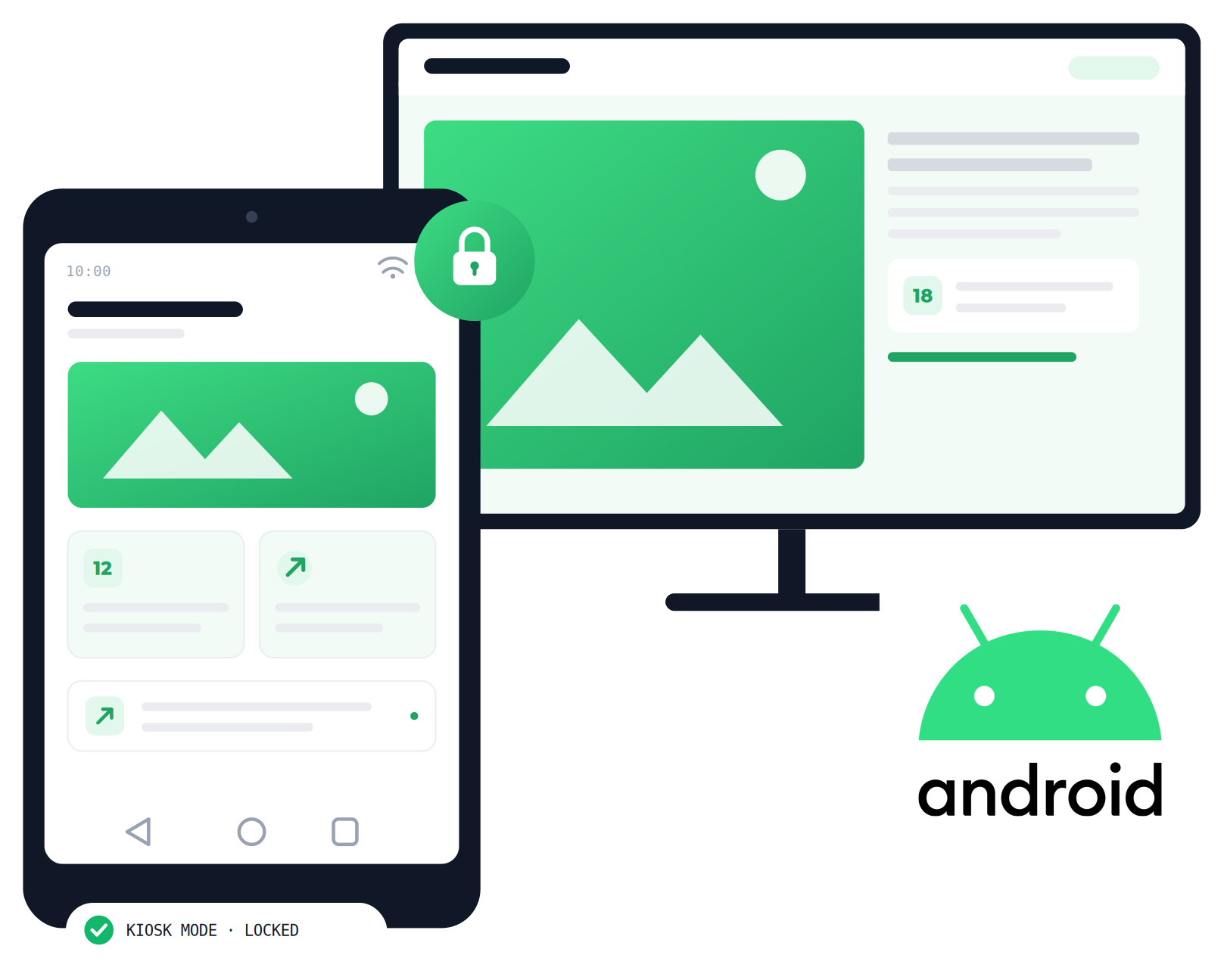
One free tool. Two optional upgrades.
Kiosk Lockdown runs entirely on your device. Add remote fleet management when you’re running many screens, or the HootBoard content platform when you want more than your own app on display — both optional, neither required.
Everyone else charges per device. We don't.
The full feature set on every device — plus a content platform none of them have.
Real kiosk lockdown, not a locked browser
Everything here ships in the app — no meters, no trials, no gates.
Single-app kiosk mode
Pin the device to one app or website and it stays there. HootBoard's kiosk app is one tap away as the default option.
Blocks home, back & settings
Visitors can't exit the kiosk, swipe into Android, or open settings. Admins exit with a secure PIN.
Auto-restart & crash recovery
Power cut? App crash? The device boots straight back into lockdown, unattended.
Works fully offline
Lockdown runs entirely on the device. No internet connection or cloud check-in required.
Tablets, TVs & enclosures
Runs on standard Android tablets, Android TV devices, and kiosk enclosure hardware.
No root. No account.
Installs on stock Android. No rooting, no device-owner gymnastics, and no sign-up to lock down a device.
Three steps to a locked-down kiosk
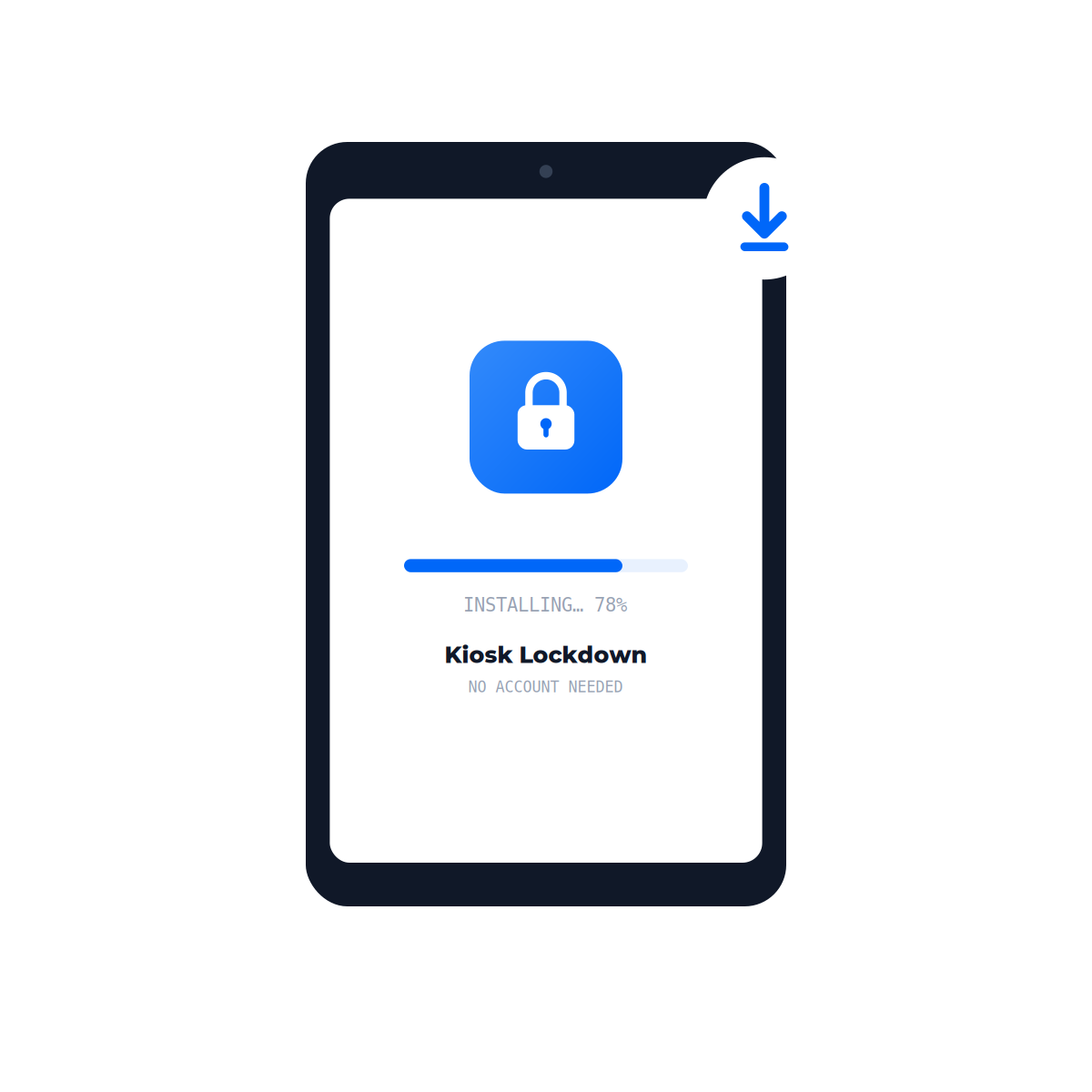
Install the app
Download HootBoard Kiosk Lockdown on any Android tablet or TV. No account, no license key.
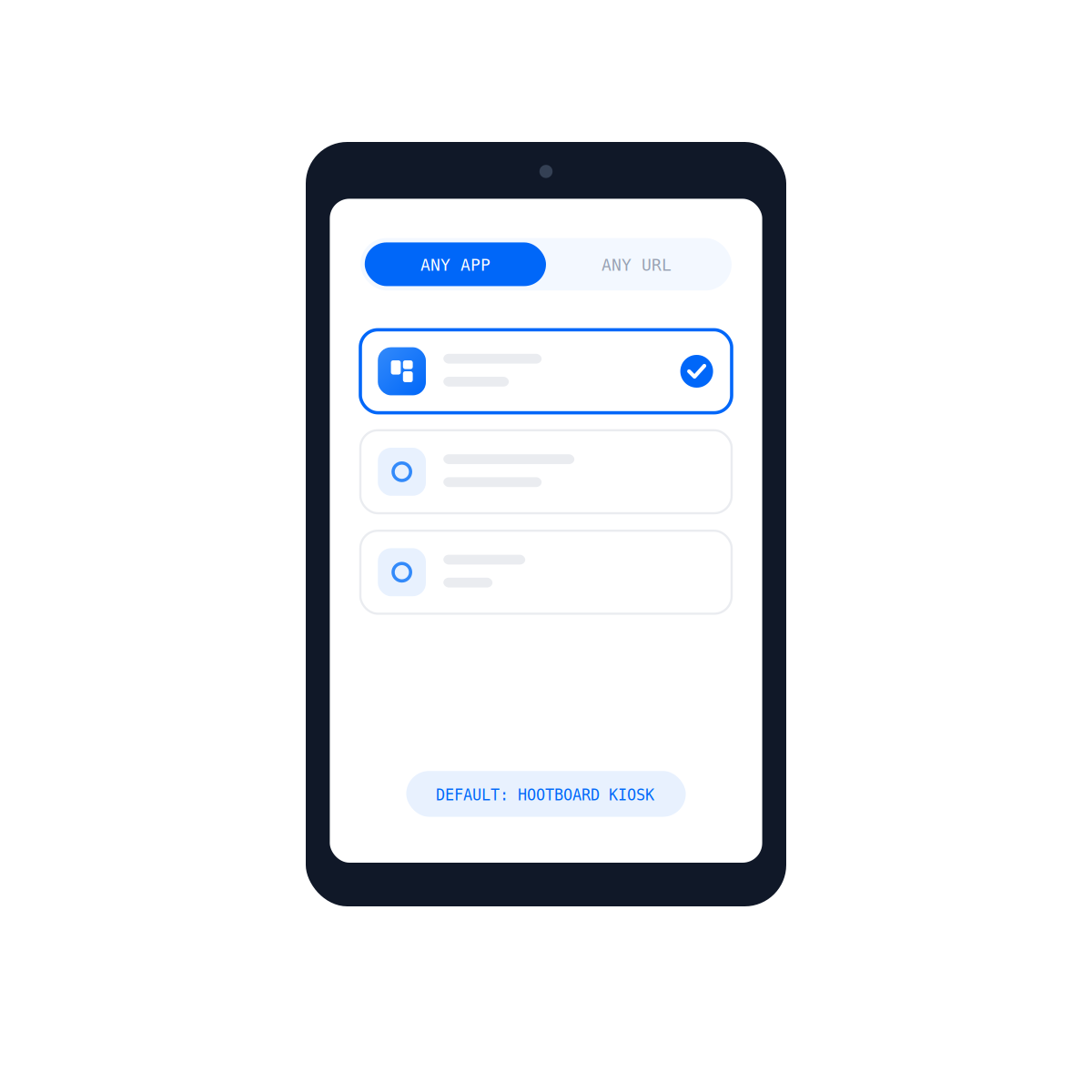
Point it at your content
Choose the app or website your kiosk should run — your own, or the built-in HootBoard kiosk experience.
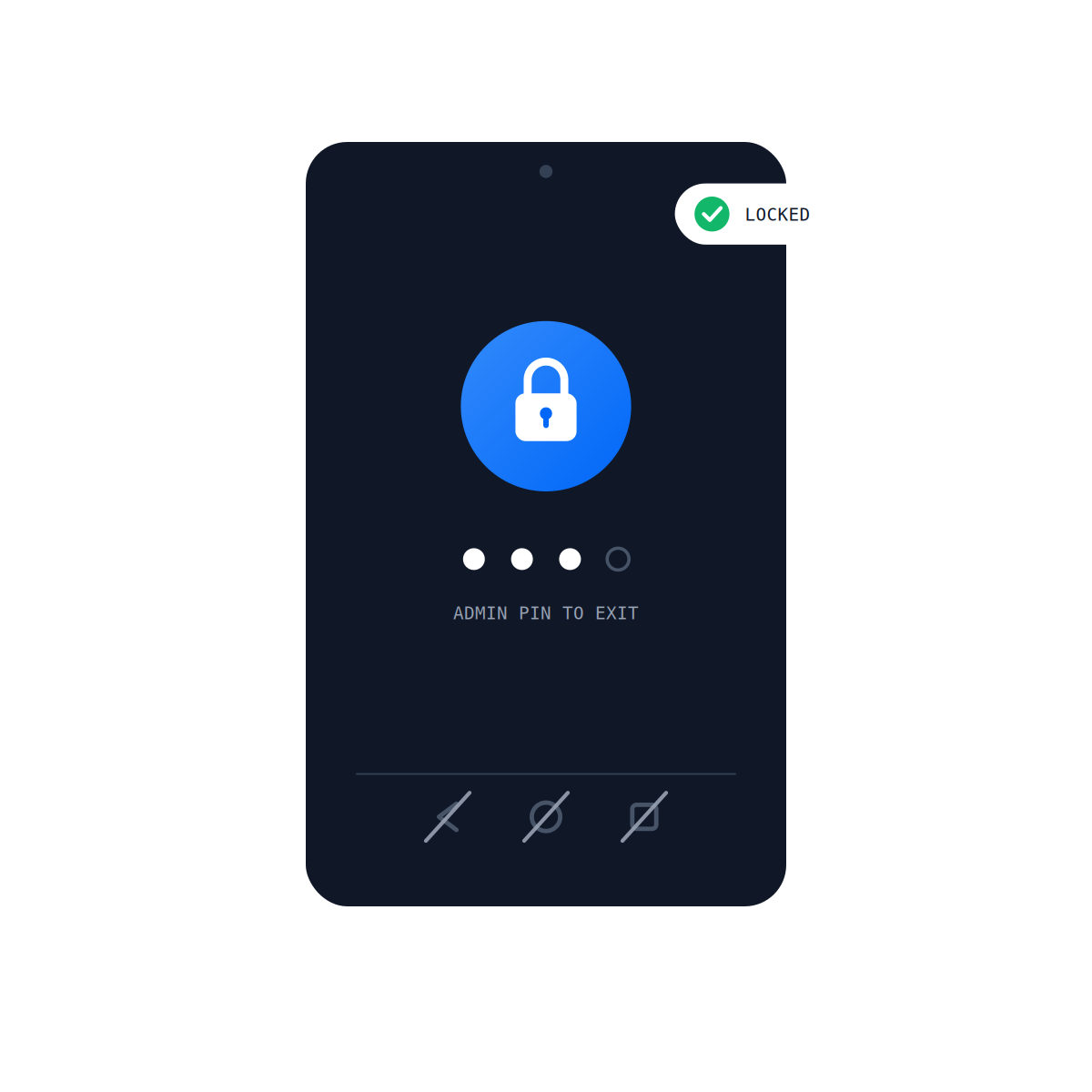
Lock it down
Set your admin PIN and lock. The device now boots into your kiosk and stays there.
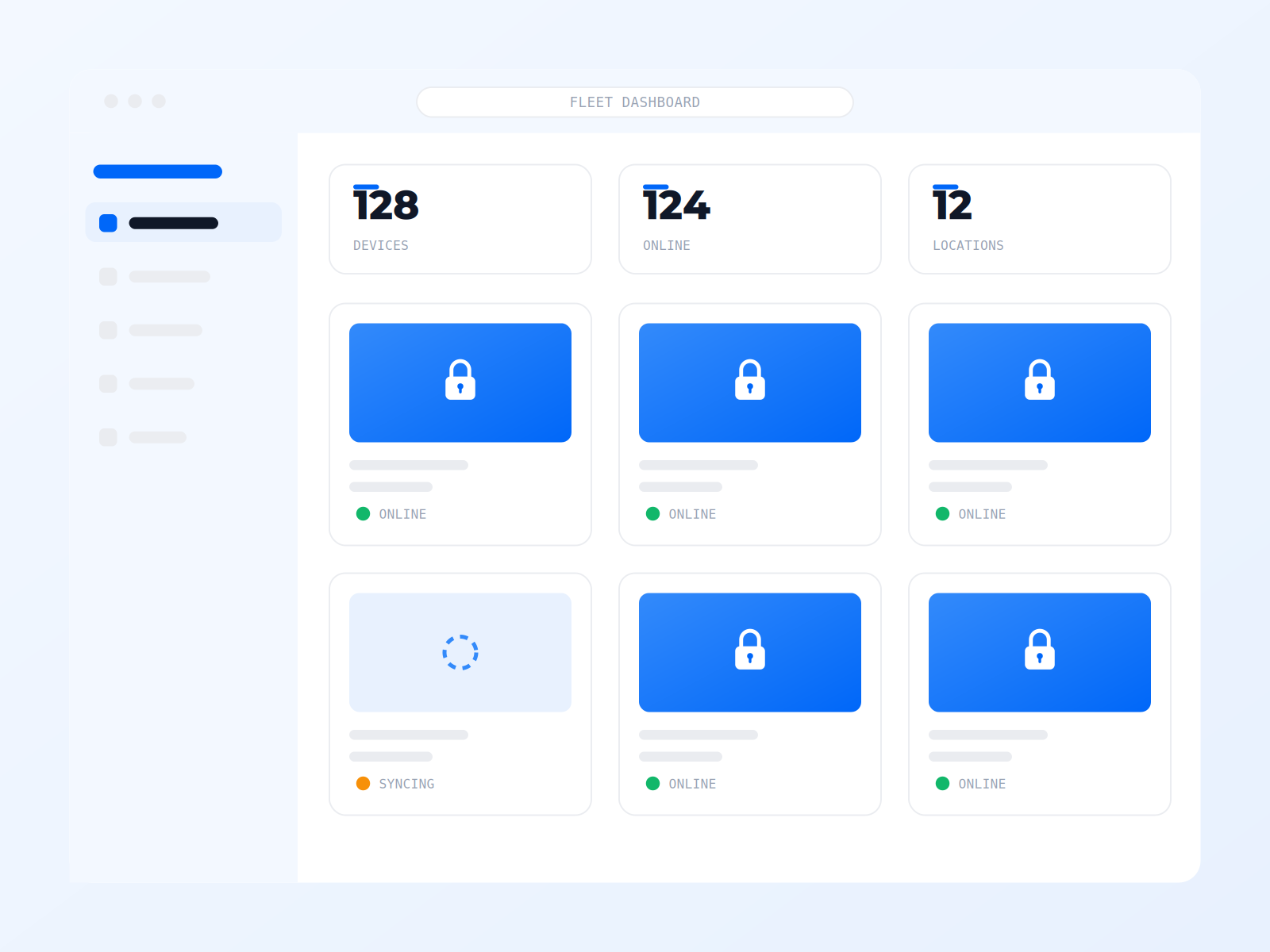
Rolling out a fleet? Run every screen from one dashboard.
The free app locks down each device right on the device. When your kiosks span floors, buildings, or cities, HootBoard's paid plans bring them into one cloud dashboard.
- Update content and settings on every device from one place
- Fleet provisioning for rollouts of tens or hundreds of kiosks
- Monitoring, scheduling, and analytics across locations
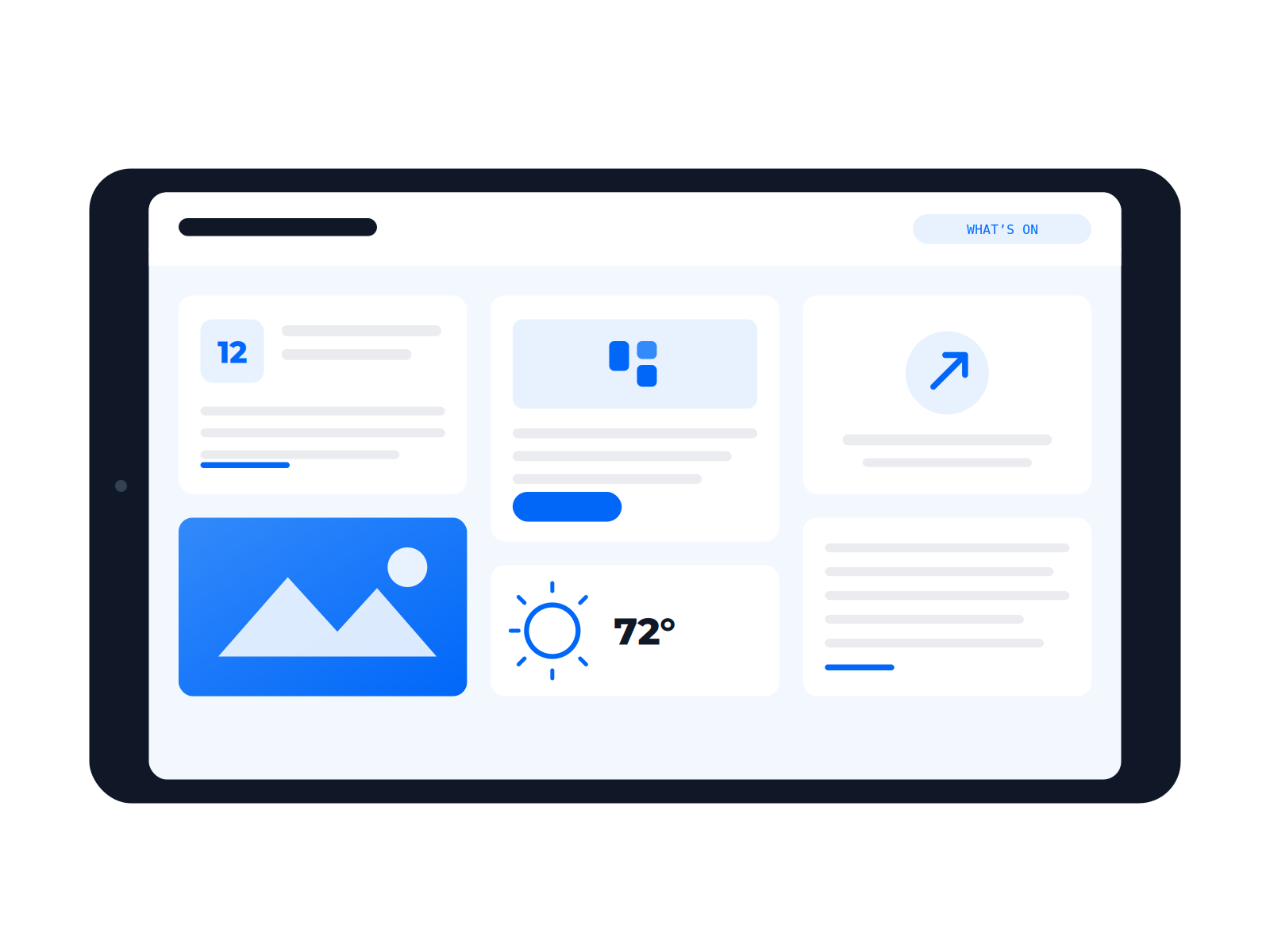
A kiosk needs something worth showing.
The HootBoard kiosk app comes pre-loaded as your default content option — community boards, events, wayfinding, local guides, and 1000+ integrations. Start on the free plan; upgrade when your audience grows.
Trusted across the spaces that welcome the world
HootBoard powers some of the most popular visitor centers, campuses, smart cities, and workplaces.
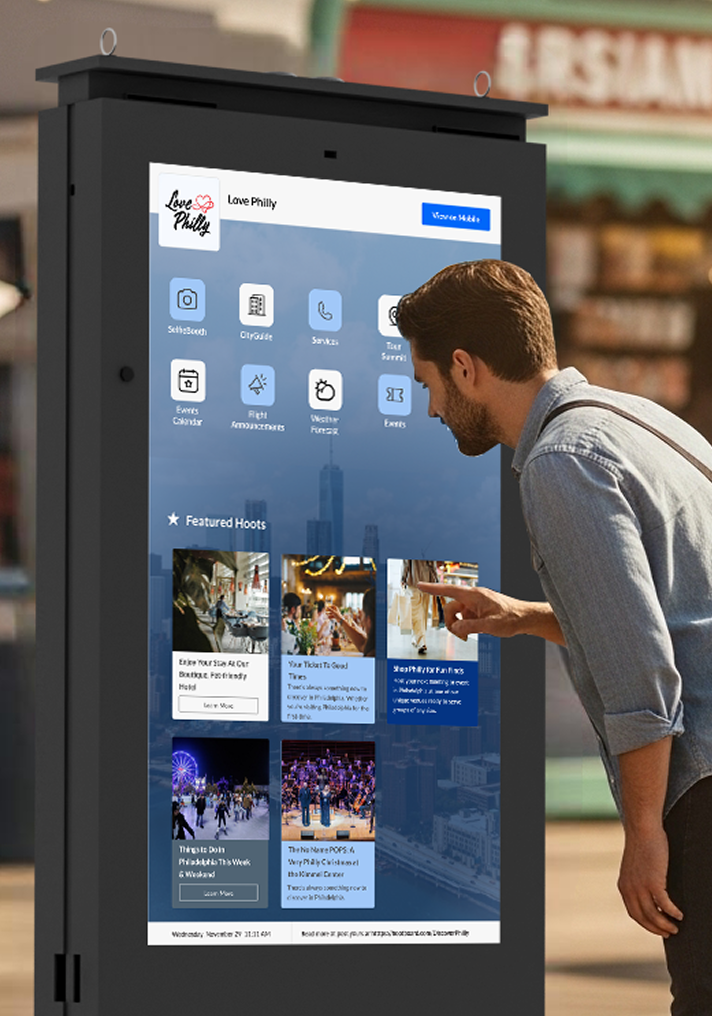
Tourism & DMOs
Engage visitors with interactive discovery tools for local attractions and tours.
Learn more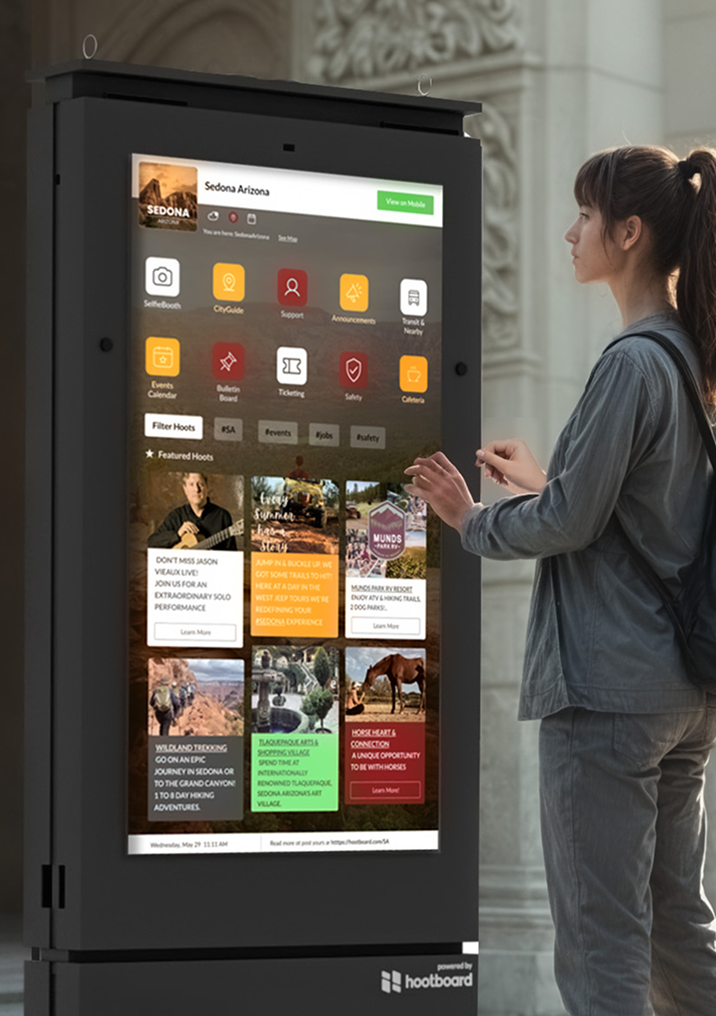
Smart Cities
Broadcast real-time alerts, civic info, and transit updates across multiple screens.
Learn more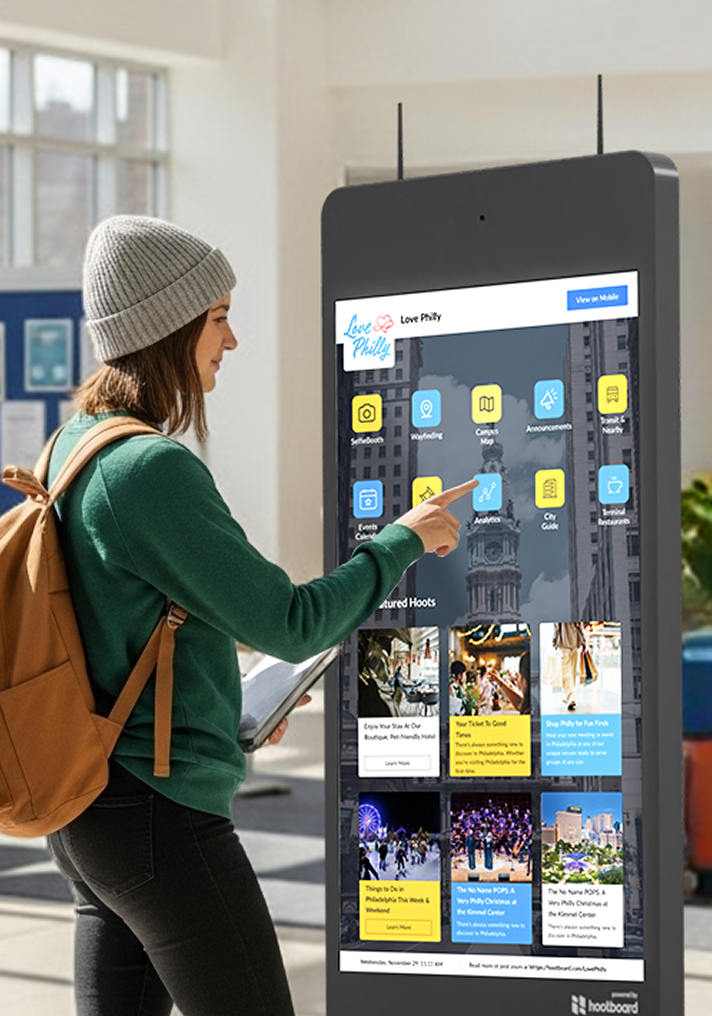
Universities & Campuses
Share events, wayfinding, and safety notices instantly and campus-wide.
Learn more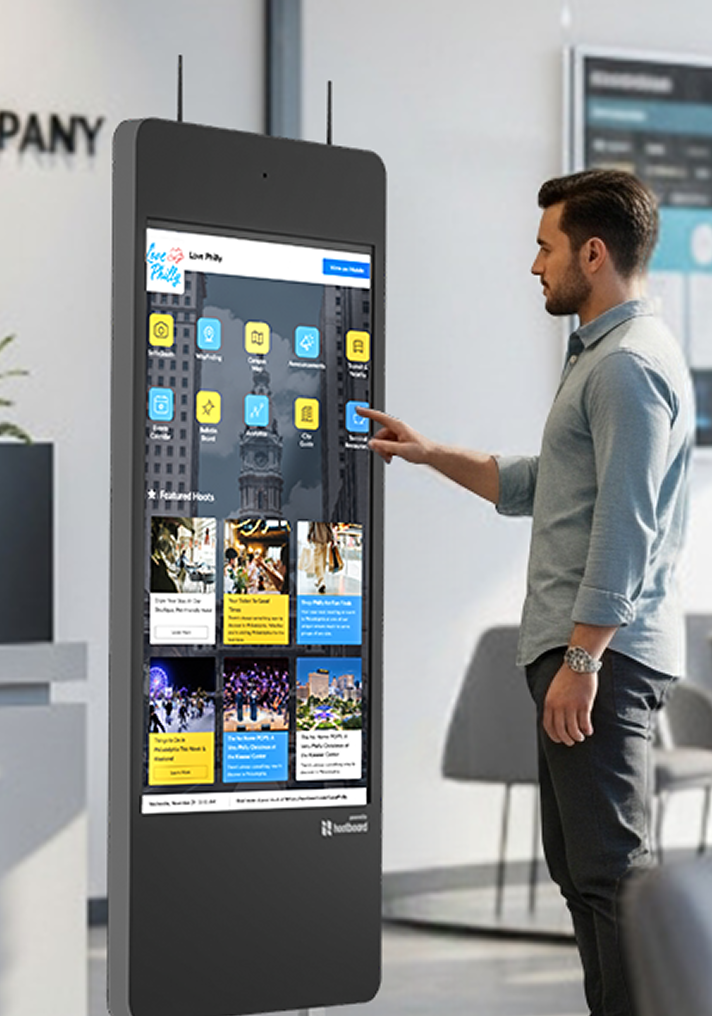
Workplaces & Enterprises
Keep teams updated with shift schedules, HR notices, and policies without email clutter.
Learn moreRun by real places, not just downloads


Questions people actually ask
Is it really free forever?
Yes. On-device kiosk lockdown is free for life on every device you install it on — no trial period, no feature meter, no license to renew. Paid plans exist for remote fleet management and for the HootBoard content platform, and neither is required to lock down a device.
Do I need a HootBoard account?
No. The free app locks down a device without any sign-up. You create a free account only if you want HootBoard content on the screen, and a paid plan only for remote management.
Can I lock down my own app or website?
Yes. The target is fully configurable — any Android app or any URL. The HootBoard kiosk app ships as the pre-loaded default, but nothing forces you to use it.
How do I manage many devices at once?
Locally, the free app is configured on each device. Remote configuration, content updates, and monitoring from a cloud dashboard are part of HootBoard's paid plans — that's the upgrade path for fleets.
How do I exit kiosk mode as an admin?
With the admin PIN you set during lockdown. Without it, the home and back buttons, notification shade, and settings stay sealed.
What happens when the internet goes down?
The lockdown keeps working — it runs entirely on-device. Your kiosk app or cached content keeps showing, and everything syncs when the connection returns.
Does it work on Android TV and kiosk enclosures?
Yes — standard Android tablets, Android TV devices, and tablets in kiosk enclosures. If it runs modern Android, it can be locked down.
How does HootBoard make money if this is free?
Two ways, both optional: paid plans for remote fleet management, and paid tiers of the HootBoard content platform as your engagement grows. The free lockdown is how you meet us.
What if my screen is not Android?
The full kiosk experience as a complete operating system for devices running Windows and Linux — boards, events, wayfinding, and remote management built in, and free to get started. One platform for every screen you run.
Rolling out ten kiosks? A hundred?
Talk to us about remote fleet management, provisioning, and hardware for larger rollouts.
Lock down your device today.
Download, point it at your content, lock it — live in under 30 minutes.